AI Bookmark Organization: How It Works (Technical Deep Dive)
Explore the technology behind AI-powered bookmark managers. Learn how embeddings, semantic search, and machine learning automatically organize your bookmarks.
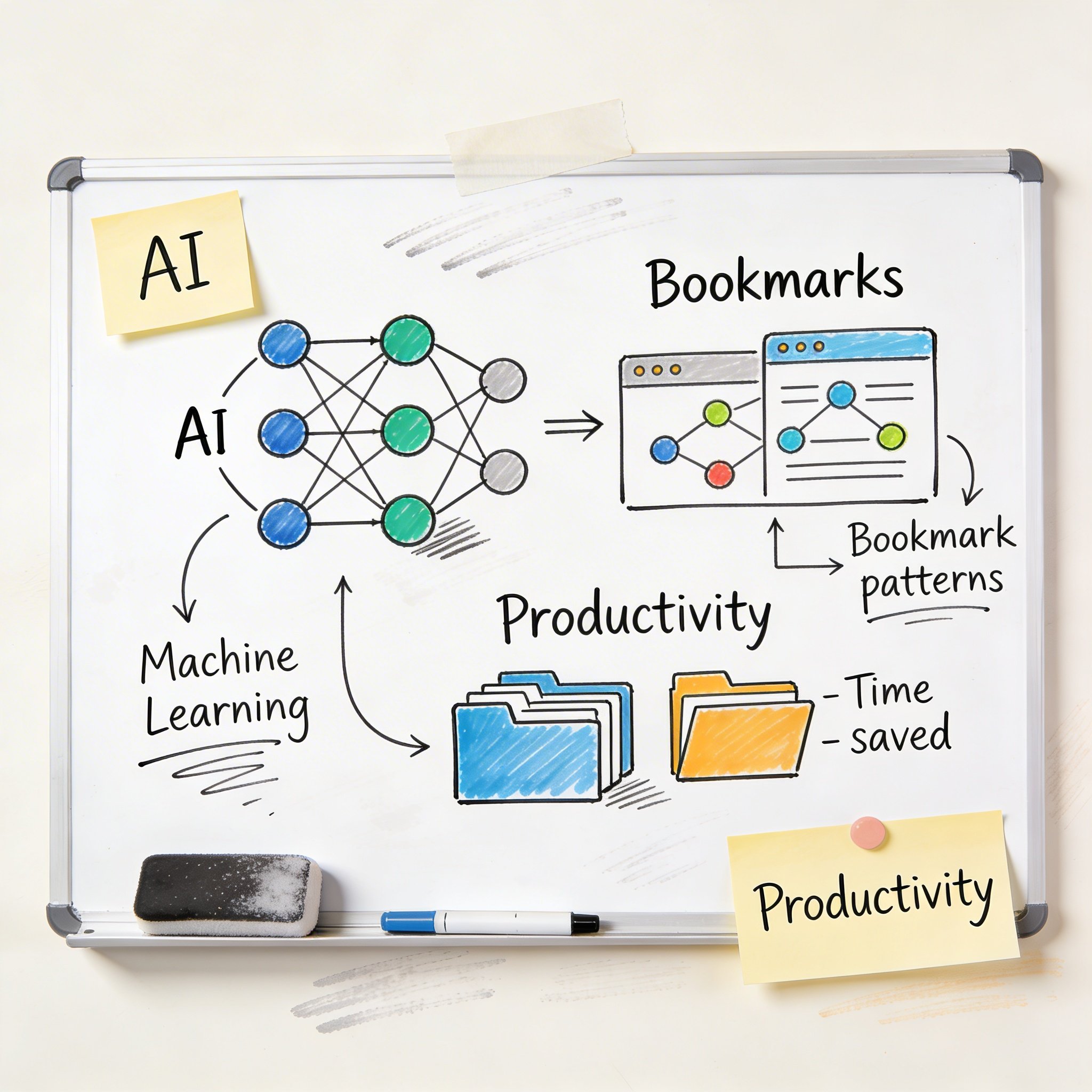
“Just save it, AI will organize it.”
That’s the promise of modern bookmark managers like NavHub. But how does AI actually organize your bookmarks? Is it magic, or is there real technology behind it?
In this article, I’ll pull back the curtain and explain exactly how AI bookmark organization works—from content analysis to semantic search. Whether you’re a curious user or a developer interested in the tech, you’ll understand the mechanics.
The Problem AI Solves
Traditional bookmark organization has a fundamental flaw: it requires humans to make decisions.
When you save a bookmark, you must: 1. Choose a folder 2. Maybe add tags 3. Maybe write a description
Each decision creates friction. Over time, most people default to “Unsorted” because making decisions is exhausting.
AI flips this model: 1. You save (one click) 2. AI analyzes the content 3. AI categorizes and tags automatically 4. You find it later using natural language
Let’s explore how each step works.
Step 1: Content Extraction
When you save a URL, the first challenge is understanding what’s on that page.
The Naive Approach (Doesn’t Work)
Extract: <title>React Performance Tips</title>
Result: Category = "React"
This fails for many reasons: - Titles are often clickbait (“You Won’t Believe…”) - Titles don’t capture the full content - Many pages have generic titles
The AI Approach
AI bookmark managers fetch and analyze the full page content:
- Fetch the page (handle JavaScript rendering if needed)
- Extract main content (ignore nav, ads, footer)
- Clean the text (remove HTML, normalize)
- Extract metadata (author, date, site name)
Example extraction:
URL: https://example.com/react-performance
Title: "React Performance Tips"
Content: "In this guide, we'll explore how to optimize
         React applications using memoization, code splitting,
         and virtual DOM optimization techniques..."
Metadata: { author: "Jane Dev", date: "2026-01-01" }
Now we have meaningful content to analyze.
Step 2: Text Embeddings
Here’s where the AI magic happens.
What Are Embeddings?
An embedding is a way to represent text as numbers—specifically, as a vector (a list of numbers). Similar content produces similar vectors.
"React performance optimization"
→ [0.23, -0.45, 0.78, 0.12, ...]  (1536 numbers)

"Making React apps faster"
→ [0.21, -0.43, 0.76, 0.14, ...]  (similar vector)

"Best pizza in New York"
→ [-0.56, 0.89, -0.12, 0.34, ...]  (very different vector)
How Embeddings Enable Understanding
These vectors capture semantic meaning, not just keywords. The model learns from billions of text examples that:
- “performance” and “faster” are related concepts
- “optimization” and “improve” are related concepts
- “React” is a JavaScript framework
So even if two articles use completely different words, if they’re about the same topic, their embeddings will be similar.
The Technical Implementation
Most AI bookmark managers use models like:
- OpenAI text-embedding-3-small: 1536 dimensions, excellent quality
- Cohere embed: Good alternative
- Self-hosted: sentence-transformers (open source)
# Simplified example
import openai

def get_embedding(text):
    response = openai.Embedding.create(
        model="text-embedding-3-small",
        input=text
    )
    return response.data[0].embedding  # 1536 floats
Step 3: Automatic Categorization
With embeddings, we can categorize bookmarks intelligently.
Method 1: Similarity to Existing Categories
If you already have categories like “Development,” “Finance,” “Health,” the AI can:
- Compute embeddings for each category name
- Compare the new bookmark’s embedding to each category
- Assign to the most similar category
def categorize(bookmark_embedding, categories):
    best_match = None
    best_score = -1

    for category in categories:
        score = cosine_similarity(bookmark_embedding, category.embedding)
        if score > best_score:
            best_score = score
            best_match = category

    return best_match
Method 2: Learning from User Behavior
Smarter systems learn from how you organize:
- Look at your existing bookmarks and their categories
- Find the 5 most similar existing bookmarks
- Use their categories as reference
def categorize_from_history(new_embedding, existing_bookmarks, k=5):
    # Find k most similar bookmarks
    similar = find_similar(new_embedding, existing_bookmarks, k)

    # Count categories of similar bookmarks
    category_counts = Counter([b.category for b in similar])

    # Return most common category
    return category_counts.most_common(1)[0][0]
This approach adapts to your personal organization style.
Method 3: LLM-Based Classification
For even better results, use a language model:
def categorize_with_llm(content, existing_categories):
    prompt = f"""
    Given this webpage content:
    {content[:2000]}

    Which category best fits? Choose from:
    {existing_categories}

    If none fit, suggest a new category.
    """

    response = openai.chat.completions.create(
        model="gpt-4o-mini",
        messages=[{"role": "user", "content": prompt}]
    )

    return response.choices[0].message.content
Step 4: Automatic Tagging
Tags provide more granular organization than categories.
Keyword Extraction
The simplest approach extracts important keywords:
from keybert import KeyBERT

kw_model = KeyBERT()

def extract_tags(content):
    keywords = kw_model.extract_keywords(
        content,
        keyphrase_ngram_range=(1, 2),
        stop_words='english',
        top_n=5
    )
    return [kw[0] for kw in keywords]

# Example
extract_tags("React performance optimization using memoization...")
# → ["react", "performance", "memoization", "optimization", "hooks"]
LLM-Based Tagging
For better results:
def generate_tags(content):
    prompt = f"""
    Generate 3-5 relevant tags for this content:
    {content[:1000]}

    Return only the tags, comma-separated.
    """

    response = openai.chat.completions.create(
        model="gpt-4o-mini",
        messages=[{"role": "user", "content": prompt}]
    )

    tags = response.choices[0].message.content.split(",")
    return [tag.strip() for tag in tags]
Step 5: Semantic Search
This is where embeddings really shine.
Traditional Keyword Search
SELECT * FROM bookmarks
WHERE title LIKE '%react performance%'
Problems: - Must match exact keywords - “Making React faster” won’t match “React performance” - No understanding of meaning
Semantic Search with Embeddings
-- Store embeddings in PostgreSQL with pgvector
SELECT *, 1 - (embedding <=> query_embedding) as similarity
FROM bookmarks
WHERE user_id = $1
ORDER BY similarity DESC
LIMIT 10;
Now “that article about making React faster” can find content titled “React Performance Optimization Guide” because their embeddings are similar.
Hybrid Search (Best of Both)
The best systems combine semantic and keyword search:
SELECT *,
  (0.6 * semantic_score +
   0.3 * keyword_score +
   0.1 * recency_score) as final_score
FROM bookmarks
WHERE user_id = $1
ORDER BY final_score DESC
LIMIT 10;
This captures: - Semantic similarity (60%): Understanding meaning - Keyword matching (30%): Exact term matches - Recency (10%): Prefer recent content
The Technical Stack
Here’s what a production AI bookmark system looks like:
Database Layer
PostgreSQL + pgvector
CREATE EXTENSION vector;

CREATE TABLE bookmarks (
    id SERIAL PRIMARY KEY,
    user_id INTEGER,
    url TEXT,
    title TEXT,
    content TEXT,
    embedding vector(1536),
    category_id INTEGER,
    tags TEXT[],
    created_at TIMESTAMP
);

CREATE INDEX ON bookmarks
USING ivfflat (embedding vector_cosine_ops);
pgvector enables efficient similarity search on millions of bookmarks.
AI Processing Pipeline
URL Saved
    ↓
Content Fetcher (Playwright/Puppeteer)
    ↓
Text Extractor (Readability algorithm)
    ↓
Embedding Generator (OpenAI API)
    ↓
Category Classifier (similarity + LLM)
    ↓
Tag Generator (KeyBERT + LLM)
    ↓
Store in Database
Search Pipeline
User Query
    ↓
Query Embedding (OpenAI API)
    ↓
Vector Search (pgvector)
    ↓
Keyword Search (PostgreSQL FTS)
    ↓
Combine Results (weighted scoring)
    ↓
Return Top Results
Cost Considerations
AI processing isn’t free. Here’s what it costs:
Embedding Generation
- OpenAI text-embedding-3-small: $0.02 per 1M tokens
- Average bookmark: ~500 tokens
- Cost per bookmark: ~$0.00001
1,000 bookmarks ≈ $0.01
LLM Classification
- GPT-4o-mini: $0.15 per 1M input tokens
- Classification prompt: ~200 tokens
- Cost per classification: ~$0.00003
1,000 classifications ≈ $0.03
Total Cost
Organizing 1,000 bookmarks costs roughly $0.05-0.10.
At scale, this is negligible. The bigger cost is compute for serving searches.
Privacy Considerations
AI processing requires sending content to AI providers (OpenAI, etc.). This raises privacy concerns:
Cloud Processing
- Bookmark content sent to AI provider
- Provider processes and returns results
- Data may be used for model improvement (check ToS)
Privacy-Preserving Options
- Self-hosted models: Run sentence-transformers locally
- On-device processing: Smaller models on user devices
- Encryption: Encrypt content before processing (limited AI capability)
NavHub offers a self-hosted option for users who want AI features without sending data to cloud providers.
Limitations of AI Organization
AI isn’t perfect. Here are known limitations:
1. Context-Dependent Content
If you save a page about “Python” (the language) vs “Python” (the snake), AI might miscategorize based on limited context.
Solution: AI uses surrounding content, not just keywords.
2. Very Short Content
Pages with minimal text (images, videos) are harder to categorize.
Solution: Use URL patterns, site metadata, and visual analysis.
3. Personal Context
AI doesn’t know that “Project Alpha” is your work project.
Solution: Learn from user corrections over time.
4. Multilingual Content
Different languages require different models or multilingual embeddings.
Solution: Use multilingual embedding models.
The Future of AI Bookmarks
What’s coming next?
1. Personalized AI
Models fine-tuned on your specific organization style, not just general patterns.
2. Proactive Organization
AI suggests reorganizing existing bookmarks when it learns better categories.
3. Knowledge Graphs
Connect related bookmarks, showing relationships between saved content.
4. Natural Language Commands
“Move all my React bookmarks from 2024 to an archive folder.”
5. Cross-Platform Intelligence
AI that understands context across bookmarks, notes, documents, and emails.
Try It Yourself
If you want to experiment with AI bookmark organization:
Quick Start with NavHub
- Sign up at navhub.info
- Import your bookmarks
- Watch AI organize automatically
Build Your Own (Developers)
# Minimal AI bookmark organizer
import openai
import psycopg2
from pgvector.psycopg2 import register_vector

# Get embedding
def embed(text):
    return openai.Embedding.create(
        model="text-embedding-3-small",
        input=text
    ).data[0].embedding

# Store bookmark
def save_bookmark(url, title, content):
    embedding = embed(f"{title} {content}")
    cursor.execute("""
        INSERT INTO bookmarks (url, title, content, embedding)
        VALUES (%s, %s, %s, %s)
    """, (url, title, content, embedding))

# Search bookmarks
def search(query):
    query_embedding = embed(query)
    cursor.execute("""
        SELECT url, title, 1 - (embedding <=> %s) as similarity
        FROM bookmarks
        ORDER BY similarity DESC
        LIMIT 10
    """, (query_embedding,))
    return cursor.fetchall()
Conclusion
AI bookmark organization isn’t magic—it’s applied machine learning:
- Content extraction gets meaningful text from web pages
- Embeddings convert text to semantic vectors
- Similarity matching categorizes new content based on existing patterns
- LLMs provide human-like understanding for edge cases
- Vector search enables natural language queries
The result: bookmarks organize themselves, and you find things by describing what you want.
The technology is mature, costs are low, and the user experience is transformative. If you’re still manually organizing bookmarks, you’re working harder than necessary.
Ready to try AI-powered bookmarks? NavHub offers free AI organization.
Questions about how AI bookmark organization works? Drop them in the comments!