Start.me vs NavHub: Which Start Page Should You Choose?
Detailed comparison of Start.me and NavHub. Learn the key differences, pricing, features, and which start page fits your workflow better.
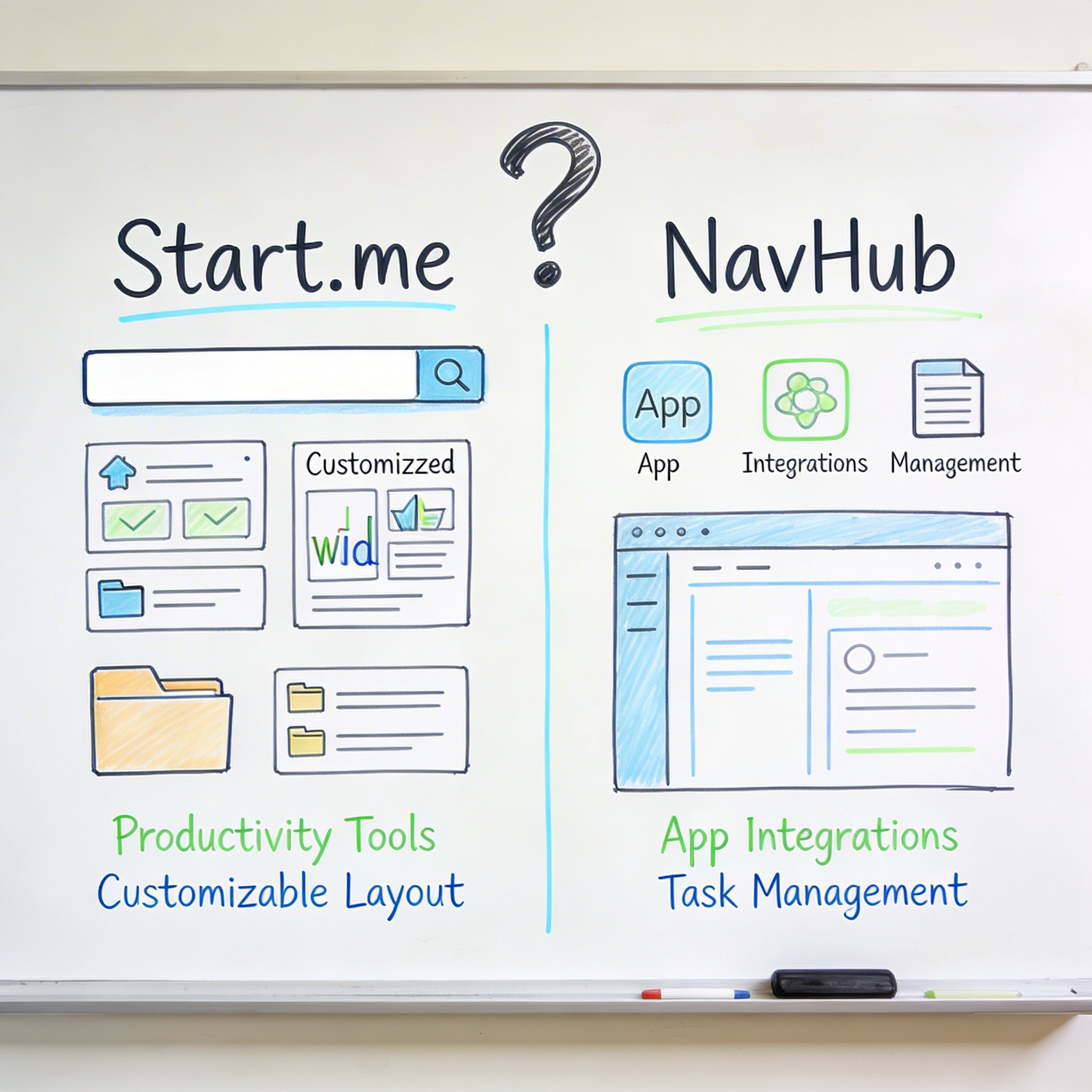
Start.me has been the go-to browser start page for years. It’s customizable, reliable, and has a huge user base.
But is it still the best option?
NavHub is a newer alternative that takes a different approach—using AI to organize bookmarks and create a smarter start page.
I’ve used both extensively. Here’s an honest comparison to help you decide.
Quick Overview
Start.me
Launched: 2012 Approach: Widget-based customization Strength: Flexibility and manual control Pricing: Free / $20/year Pro
NavHub
Launched: 2024 Approach: AI-powered organization Strength: Zero-effort bookmark management Pricing: Free / $4.99/month Pro
The core difference: Start.me gives you tools to organize yourself. NavHub organizes for you.
Feature-by-Feature Comparison
1. Bookmarks & Link Management
Start.me: - Save bookmarks to customizable widgets - Manual folder/category organization - Drag-and-drop arrangement - Import from browser - No AI features
NavHub: - One-click save from browser extension - AI automatic categorization - Semantic search (natural language) - Smart folders based on content - Import with AI reorganization
Example scenario: You save 50 links about React development.
With Start.me: You manually create a “React” folder, decide which subfolder each link goes in, drag them to the right place.
With NavHub: You click save 50 times. AI creates categories like “React Tutorials,” “React Components,” “React Performance.” You search “that article about React hooks” and find it.
Winner: NavHub for effortless organization. Start.me if you enjoy manual control.
2. Widgets & Customization
Start.me: - 20+ widget types - RSS feeds - Weather - Notes - Todo lists - Bookmarks - Search - Embed websites - Custom layouts - Themes and colors
NavHub: - Quick links - Bookmarks - Weather - Clock - Notes - GitHub activity (for developers) - Search - Customizable layouts - Limited but growing widget selection
Widget Comparison:
| Widget | Start.me | NavHub |
|---|---|---|
| Bookmarks | ✅ | ✅ |
| RSS | ✅ | ❌ |
| Weather | ✅ | ✅ |
| Notes | ✅ | ✅ |
| Todo | ✅ | ⚪ |
| Calendar | ✅ | ❌ |
| ✅ | ❌ | |
| Embed | ✅ | ⚪ |
| GitHub | ❌ | ✅ |
Winner: Start.me has more widgets. NavHub focuses on bookmark management with essential widgets.
3. Search Capabilities
Start.me: - Text-based search - Search bookmarks by title/URL - Custom search engines - Search widget
NavHub: - Semantic search (AI) - Natural language queries - Search by content, not just titles - Understands context
The difference in practice:
Start.me search: "react hooks"
→ Returns bookmarks with "react" AND "hooks" in title

NavHub search: "that article about managing state in React components"
→ Returns bookmarks about React state management, even if title doesn't match
Winner: NavHub. Semantic search is genuinely useful for large bookmark collections.
4. Organization System
Start.me:
You decide everything:
- Create pages/tabs
- Add widgets to pages
- Organize bookmarks in widgets
- Drag and drop arrangement
- Full control
NavHub:
AI decides, you adjust:
- AI creates categories
- Auto-sorts new bookmarks
- You can override
- Focus on saving, not organizing
The trade-off: - Start.me: More work upfront, exactly what you want - NavHub: Less work, might need occasional adjustments
Winner: Personal preference. Control lovers choose Start.me. Lazy organizers choose NavHub.
5. Team & Sharing
Start.me: - Share pages with link - Collaborative pages (Pro) - Team workspaces - Public pages - Embed pages on websites
NavHub: - Share individual pages - Basic sharing features - Team features in development - Less mature collaboration
Winner: Start.me for teams. NavHub is primarily personal-use focused (for now).
6. Mobile Experience
Start.me: - Responsive web design - Works on mobile browsers - No dedicated app - Touch-friendly interface
NavHub: - Progressive Web App (PWA) - Mobile-optimized - Installable on home screen - Works offline (limited)
Winner: Tie. Both work on mobile but neither has a native app.
7. Performance & Reliability
Start.me: - 10+ years of operation - Proven reliability - Occasionally slow with many widgets - Established infrastructure
NavHub: - Newer service - Fast loading - Modern architecture - AI processing adds slight delay to saves
Winner: Start.me for proven track record. NavHub for modern performance.
8. Privacy & Data
Start.me: - Data stored on Start.me servers - GDPR compliant - Optional encryption (Pro) - Export available
NavHub: - AI processes bookmark content - GDPR compliant - Data used to improve AI (anonymized) - Full export available
Winner: Similar. Both handle data responsibly. If AI data processing concerns you, Start.me is more traditional.
Pricing Comparison
Start.me
| Plan | Price | Features |
|---|---|---|
| Free | $0 | 5 pages, ads |
| Basic | $20/year | Unlimited pages, no ads |
| Pro | $40/year | Teams, custom domain |
NavHub
| Plan | Price | Features |
|---|---|---|
| Free | $0 | Unlimited pages, 5 widgets/page, 10 AI responses/month, browser extension |
| Pro | $4.99/month | Unlimited widgets, AI bookmark categorization, Figma integration |
Annual cost: - Start.me Basic: \(20/year - NavHub Pro: \)47.90/year (yearly billing, 20% off)
Value analysis: - Start.me is cheaper for basic use - NavHub Pro costs more but includes AI features - NavHub free tier has unlimited pages with 5 widgets each - NavHub free tier includes 10 AI responses/month
Use Case Recommendations
Choose Start.me if:
You love organizing
- Creating perfect layouts
- Manual categorization
- Widget arrangements
You need lots of widgets
- RSS feeds
- Calendar integration
- Email widgets
- Embedded content
Team collaboration is important
- Shared pages
- Team workspaces
- Public dashboards
Budget is tight
- \(20/year vs \)47.90/year
- Free tier with multiple pages
You prefer established tools
- 10+ years of history
- Proven reliability
- Large community
Choose NavHub if:
You hate organizing
- Want AI to handle categorization
- Zero-effort bookmark management
- “Save and forget” workflow
You have many bookmarks
- 500+ links
- Can’t find what you saved
- Need better search
Semantic search matters
- Natural language queries
- “That article about…” searches
- Finding things you vaguely remember
You’re a developer
- GitHub integration
- Code-related bookmarks
- Technical documentation organization
You value simplicity
- Less customization, less decisions
- Focus on content, not layout
- Quick access to saved links
Migration Guide
From Start.me to NavHub
- Export Start.me bookmarks (Settings → Export)
- Import to NavHub (Settings → Import)
- AI will reorganize automatically
- Review and adjust categories if needed
From NavHub to Start.me
- Export NavHub bookmarks
- Import to Start.me
- Manually organize into widgets
- Set up your page layout
What Real Users Say
Start.me users
“I’ve used Start.me for 5 years. The customization is unmatched. I know exactly where everything is because I put it there.”
“The RSS widget keeps me updated without visiting multiple sites. Can’t live without it.”
NavHub users
“I switched from Start.me because I was tired of organizing. NavHub’s AI categorization changed everything.”
“The semantic search is why I stay. I search ‘that debugging article’ and actually find it.”
The Verdict
Start.me is the mature, flexible choice for: - Users who enjoy customization - Teams needing collaboration - Widget-heavy dashboards - Budget-conscious users
NavHub is the modern, effortless choice for: - Users who hate organizing - Large bookmark collections - AI-powered search needs - Developers
My recommendation:
If you’re happy with Start.me, stay. It’s a solid product.
If you’re frustrated with: - Not finding bookmarks - Time spent organizing - Outdated search
Try NavHub. The AI organization genuinely solves these problems.
The honest truth: They serve different philosophies. - Start.me: “Give users tools to organize.” - NavHub: “Organize for users so they don’t have to.”
Neither is wrong. Choose based on your preference.
Want to try AI-powered bookmarking? Start free at NavHub
Prefer manual control? Check out Start.me
Which start page do you use? Share your experience in the comments!