Pocket vs NavHub: Which Link Saving Tool is Better in 2026?
Comprehensive comparison of Pocket and NavHub for saving and organizing links. We analyze features, AI capabilities, pricing, and help you choose the right tool.
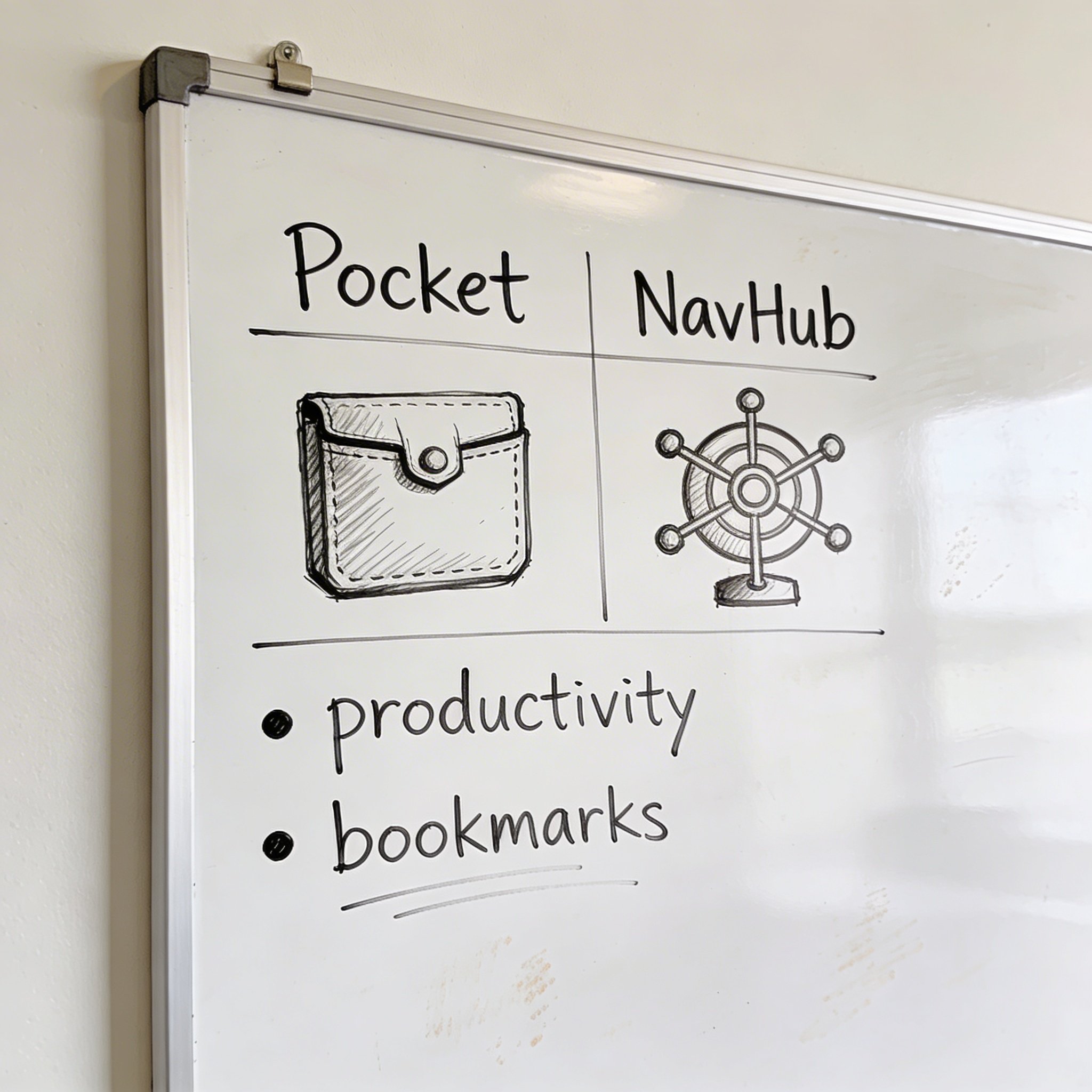
Pocket has been the go-to “save for later” app since 2007. With Mozilla’s backing since 2017, it’s become synonymous with link saving. But is it still the best choice in 2026?
NavHub takes a different approach: instead of just saving links, it uses AI to organize them automatically. No more “Read Later” graveyards.
I’ve used both extensively. Let me break down exactly how they compare and help you decide which fits your workflow better.
Quick Comparison
| Feature | NavHub | |
|---|---|---|
| Price | Free / $45/year Premium | Free / $4.99/month Pro |
| Primary Focus | Read later | Bookmark organization |
| AI Organization | ❌ Tags only | ✅ Auto-categorization |
| Semantic Search | ❌ Keyword only | ✅ Natural language |
| Reading Experience | ✅ Excellent | ⚪ Basic |
| Offline Reading | ✅ Full support | ❌ Online only |
| Browser Extension | ✅ Excellent | ✅ Good |
| Mobile Apps | ✅ iOS & Android | 🔄 PWA |
| Text-to-Speech | ✅ Premium | ❌ No |
| Highlights | ✅ Premium | ❌ No |
| Permanent Archive | ❌ No | ✅ Pro |
| Widget System | ❌ No | ✅ Yes |
| Integrations | Zapier, IFTTT | GitHub, Notion, Slack |
Bottom line: Pocket is better for reading articles later. NavHub is better for organizing and finding links.
What is Pocket?
Pocket started as “Read It Later” in 2007. The core idea: save articles to read when you have time.
Key features: - Clean reading view (strips ads and clutter) - Offline access - Cross-device sync - Recommendations based on interests - Text-to-speech (Premium) - Highlights and notes (Premium)
Pocket excels at the reading experience. If you save long-form articles to read later, Pocket makes that experience pleasant.
What is NavHub?
NavHub launched as an AI-powered bookmark manager and browser start page.
Key features: - AI auto-categorization - Semantic search - Widget-based dashboard - Browser extension - Integrations (GitHub, Notion, Slack) - Self-hosted option
NavHub excels at organization. If you save links and can never find them later, NavHub solves that problem.
Feature Deep Dive
1. Saving Links
Pocket: - Browser extension: Click to save - Share sheet on mobile - Email links to your Pocket - Optional tags when saving
NavHub: - Browser extension: One-click save - No decisions needed - AI categorizes automatically - Optional notes
Winner: Tie - both make saving easy. NavHub is slightly faster (no tag entry).
2. Organization
This is where they diverge completely.
Pocket: - Manual tags only - No folders or categories - “Archive” to mark as read - Favorites for important items
Pocket’s organization is minimal by design. It assumes you’ll read things and move on. But if you save 500 links and only read 50, the other 450 become a disorganized mess.
NavHub: - AI auto-categorization (based on content) - Nested folders - Auto-generated tags - Custom categories - Learns from your corrections
NavHub treats saved links as a knowledge base, not a reading queue. Everything gets organized, whether you read it or not.
Winner: NavHub (if organization matters to you)
3. Search
Pocket: - Keyword search in titles and tags - Full-text search (Premium) - Filter by type (article, video, etc.) - Filter by favorites/archive
Pocket’s search works if you remember keywords from the title. If you saved “React Performance Optimization” and search “making react faster,” you won’t find it.
NavHub: - Semantic search (AI-powered) - Natural language queries - Search across content - Related results
NavHub understands what you mean. Search “that article about making React faster” and it finds articles about React performance—even if “faster” isn’t in the title.
Real test: I saved 100 articles in both tools. Then I searched for 20 of them using natural descriptions (not exact titles).
| Tool | Found on First Try |
|---|---|
| 11⁄20 (55%) | |
| NavHub | 18⁄20 (90%) |
Winner: NavHub (semantic search is genuinely better)
4. Reading Experience
Pocket: - Clean reader view - Customizable fonts and themes - Text-to-speech (Premium) - Offline reading - Highlights and notes (Premium) - Progress tracking
Pocket strips away website clutter and gives you a beautiful reading experience. It’s designed for long-form content consumption.
NavHub: - Links to original content - Basic preview - No reader view - No offline support
NavHub doesn’t try to be a reading app. It saves links and helps you find them—you read on the original site.
Winner: Pocket (if reading experience matters)
5. Content Discovery
Pocket: - Personalized recommendations - “Discover” tab with trending content - Collections curated by editors - Friend activity
Pocket actively suggests new content. This can be great for finding interesting reads or a distraction rabbit hole.
NavHub: - No recommendations - No discovery features - Shows only what you save
NavHub is purely a personal tool. No algorithm suggesting content, no trending articles, no distractions.
Winner: Pocket (for discovery) or NavHub (for focus)
6. Pricing
Pocket: - Free: Basic features, ad-supported recommendations - Premium: \(45/year (\)3.75/month) - Full-text search - Permanent library - Highlights - Ad-free - Text-to-speech
NavHub: - Free: Unlimited pages, 5 widgets/page, 10 AI responses/month, browser extension - Pro: \(4.99/month (\)47.90/year with yearly billing) - Unlimited widgets - AI bookmark categorization - Figma integration
Price comparison: - Pocket Premium: \(45/year - NavHub Pro: \)47.90/year (yearly billing, 20% off)
Winner: Nearly identical pricing. Choose based on features, not cost.
7. Mobile Experience
Pocket: - Native iOS and Android apps - Full offline support - Share sheet integration - Widget support - Excellent performance
Pocket’s mobile apps are polished and full-featured. You can download articles for offline reading on flights or commutes.
NavHub: - Progressive Web App (PWA) - Works in browser - Share sheet integration - No offline support
NavHub’s mobile experience is functional but not as refined as native apps.
Winner: Pocket (native apps are better)
8. Integrations
Pocket: - Zapier - IFTTT - Kobo e-readers - 500+ app integrations via automation
NavHub: - GitHub (starred repos) - Notion (saved pages) - Slack (saved messages) - API access
Pocket integrates with more tools through automation platforms. NavHub has deeper native integrations with developer tools.
Winner: Depends on your tools. Pocket for general automation, NavHub for GitHub/Notion/Slack.
Use Case Comparison
Best for Reading Long Articles
Choose Pocket
If your primary use case is: - Saving articles to read later - Reading on mobile during commutes - Listening to articles (text-to-speech) - Highlighting and noting passages
Pocket’s reading experience is unmatched. The clean interface, offline support, and TTS make it perfect for long-form content consumption.
Best for Organizing Links
Choose NavHub
If your primary use case is: - Saving reference links you’ll need later - Building a personal knowledge base - Finding links by describing what you want - Integrating bookmarks with other tools
NavHub’s AI organization means you don’t need to maintain your collection. Save and forget—find when you need.
Best for Research
Choose NavHub
If you’re: - A developer saving documentation and tutorials - A researcher collecting sources - A student saving study materials - Anyone who needs to find saved links months later
NavHub’s semantic search and auto-organization are built for retrieval, not just storage.
Best for Casual Reading
Choose Pocket
If you’re: - A casual reader who likes to save interesting articles - Someone who enjoys content discovery - A mobile-first user who reads during commutes - Someone who wants reading suggestions
Pocket’s discovery features and reading experience make it perfect for leisure reading.
The “Read Later” Problem
Here’s the dirty secret about “read later” apps: most people don’t read later.
Studies show the average Pocket user has 100+ unread items. The “Read Later” folder becomes a graveyard of good intentions.
Pocket’s approach: Trust that you’ll read things. Provide a great reading experience when you do.
NavHub’s approach: Accept that you might not read things. Organize everything so you can find it when relevant.
Neither approach is wrong—they’re designed for different behaviors.
If you actually read most of what you save, Pocket is ideal. If you save more than you read, NavHub keeps things organized regardless.
Can You Use Both?
Yes, and some people do:
- Pocket for articles you plan to read (novels, longform, opinion pieces)
- NavHub for reference links (documentation, tools, resources)
The challenge is deciding which tool gets each link at save time. This creates friction.
My recommendation: Pick one as your primary tool based on your main use case.
Migration
Pocket → NavHub
- In Pocket: Export your data (Settings → Export)
- In NavHub: Import → Upload HTML file
- AI automatically organizes your existing saves
NavHub → Pocket
- In NavHub: Settings → Export → HTML
- Import to Pocket via web interface
- Manually tag items (no auto-organization)
Both tools support standard bookmark export, making migration painless.
My Recommendation
Choose Pocket if: ✅ You primarily want to read articles later ✅ You value offline reading ✅ You want text-to-speech ✅ You enjoy content discovery ✅ You prefer native mobile apps
Choose NavHub if: ✅ You save links for future reference ✅ You struggle to find saved links ✅ You want AI to organize automatically ✅ You use GitHub, Notion, or Slack ✅ You want a customizable start page
For most people who “save to read later” but rarely do: NavHub will provide more value because at least you can find things when you need them.
Conclusion
Pocket and NavHub solve related but different problems:
- Pocket: “I want to read this later”
- NavHub: “I might need this later”
Pocket is optimized for reading. NavHub is optimized for retrieval.
The best tool depends on your behavior. Be honest about whether you actually read what you save, or if your “Read Later” list is really a “Find When Relevant” list.
Ready to try NavHub? Sign up free at navhub.info
Prefer reading? Pocket remains excellent at what it does.
Which tool do you use for saving links? Share your experience in the comments!