How to Build a Personal Knowledge Base with Bookmarks
Transform your bookmarks into a powerful personal knowledge base. Learn to capture, organize, and retrieve information effectively.
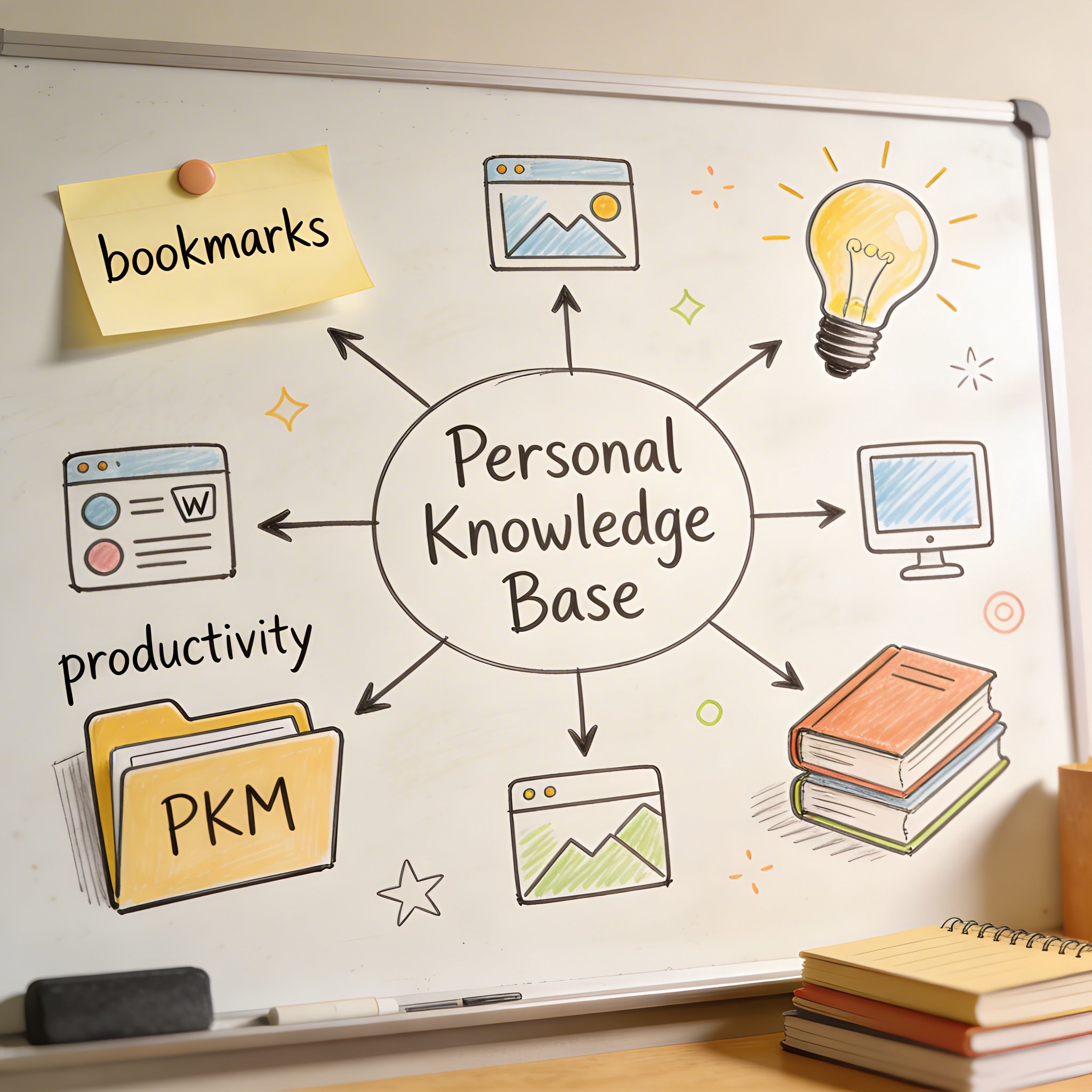
Your bookmarks are a mess. But they don’t have to be.
What if your bookmarks were actually a personal knowledge base—organized, searchable, and useful?
This guide shows you how to transform scattered links into a second brain that helps you think, create, and work better.
What is a Personal Knowledge Base?
A Personal Knowledge Base (PKB) is a system for: - Capturing information you encounter - Organizing it for future retrieval - Connecting related ideas - Using it when you need it
Most people think of PKBs as note-taking apps (Notion, Obsidian, Roam). But bookmarks can be just as powerful—if organized correctly.
Why Bookmarks as a Knowledge Base?
Advantages over notes: - Faster to capture (one click vs. writing) - Links to source material - No duplicate information - Automatically updated content
When bookmarks beat notes: - Reference material you’ll return to - Tutorials and how-tos - Documentation - Articles with embedded media - Dynamic content (dashboards, tools)
When notes are better: - Your own thoughts and synthesis - Information from multiple sources - Heavily customized information
The ideal: Bookmarks for external knowledge, notes for internal knowledge.
The CAPTURE Framework
Use this framework to build your bookmark-based PKB:
C - Collect Widely
Save anything potentially useful. Don’t filter during capture.
Why: You don’t know what will be valuable later. The cost of saving is near zero; the cost of not finding something is high.
How: - Install a one-click bookmark tool - Save interesting content immediately - Don’t worry about organization (yet)
A - Annotate Thoughtfully
Add context when saving (if your tool supports it).
Useful annotations: - Why you saved it - Key takeaways - How it relates to your work - Questions it raised
Example:
Bookmark: "Advanced React Patterns"
Annotation: "Compound components pattern - use for settings panel redesign"
P - Process Regularly
Review recent saves periodically.
Weekly review (15 min): 1. Review bookmarks from past week 2. Delete obvious noise 3. Add missing tags/annotations 4. Connect to existing knowledge
T - Tag Consistently
Use a tagging system, even if AI handles organization.
Good tagging practices: - Use nouns, not verbs (“design” not “designing”) - Be specific (“react-hooks” not “programming”) - Limit to 3-5 tags per bookmark - Use hierarchical tags when helpful (“dev/frontend/react”)
U - Use Actively
A knowledge base is only valuable if you use it.
Usage habits: - Search before starting new projects - Reference during problem-solving - Share relevant bookmarks with colleagues - Review before learning something new
R - Review and Prune
Periodically clean your collection.
Monthly cleanup: - Remove dead links - Delete outdated content - Archive completed projects - Consolidate duplicate topics
E - Evolve Your System
Your PKB should adapt over time.
Quarterly reflection: - What categories are most used? - What’s missing? - What’s cluttered? - What search patterns fail?
Building Your Bookmark PKB
Step 1: Choose Your Tool
Requirements for a PKB-worthy bookmark manager: - Fast capture (one click) - Good search (preferably semantic) - Tagging or categories - Cross-device sync - Export capability
Recommended tools:
| Tool | Best For | PKB Features |
|---|---|---|
| NavHub | AI-powered PKB | Semantic search, auto-categorization |
| Raindrop | Visual PKB | Tags, collections, highlights |
| Notion | Integrated PKB | Database, linking, notes |
| Obsidian + Bookmarks | Note-centric PKB | Linking, graph view |
Step 2: Define Your Domains
What areas of knowledge do you want to build?
Example domains: - Professional skills (coding, design, marketing) - Personal interests (cooking, fitness, travel) - Projects (current work, side projects) - Reference (documentation, tools, resources)
Create top-level categories for each domain.
Step 3: Set Up Capture Workflow
Make saving effortless:
- Browser extension: One-click save
- Mobile: Share sheet integration
- Keyboard shortcut: Instant access
The rule: If it takes more than 2 seconds to save, you won’t do it.
Step 4: Establish Retrieval Habits
Schedule times to use your PKB:
- Project kickoff: Search for relevant resources
- Problem-solving: Look for similar solutions
- Learning: Find curated content
- Weekly review: Process new additions
PKB Architecture Examples
Developer PKB
Development/
├── Languages/
│   ├── JavaScript/
│   │   ├── React/
│   │   ├── Node.js/
│   │   └── TypeScript/
│   ├── Python/
│   └── Go/
├── Tools/
│   ├── Git/
│   ├── Docker/
│   └── CI-CD/
├── Architecture/
│   ├── Design Patterns/
│   ├── System Design/
│   └── Best Practices/
├── Career/
│   ├── Interview Prep/
│   └── Salary Research/
└── Projects/
    ├── Current/
    └── Ideas/
Designer PKB
Design/
├── UI/
│   ├── Components/
│   ├── Patterns/
│   └── Inspiration/
├── UX/
│   ├── Research Methods/
│   ├── User Testing/
│   └── Case Studies/
├── Tools/
│   ├── Figma/
│   ├── Prototyping/
│   └── Handoff/
├── Resources/
│   ├── Icons/
│   ├── Fonts/
│   └── Stock Photos/
└── Career/
    └── Portfolio Examples/
Researcher PKB
Research/
├── Literature/
│   ├── By Topic/
│   ├── By Method/
│   └── To Read/
├── Methods/
│   ├── Quantitative/
│   ├── Qualitative/
│   └── Tools/
├── Writing/
│   ├── Templates/
│   ├── Style Guides/
│   └── Publishing/
├── Data/
│   ├── Sources/
│   ├── Analysis Tools/
│   └── Visualization/
└── Projects/
    ├── Thesis/
    └── Papers/
Advanced PKB Techniques
1. Progressive Summarization
For important bookmarks, add layers of summary:
Layer 1: Save with basic annotation Layer 2: Highlight key passages (if tool supports) Layer 3: Write brief summary in your words Layer 4: Extract actionable insights
Not every bookmark needs all layers. Only invest in high-value content.
2. Linking and Connections
Create connections between related bookmarks:
- Tag related items consistently
- Use collections/folders for themes
- Add “related to” annotations
- Build topic indexes
Example:
Bookmark: "React Performance Optimization"
Related: #react #performance #frontend
See also: "Chrome DevTools Guide", "Web Vitals Explained"
3. Spaced Retrieval
Revisit important bookmarks periodically:
- Star/favorite truly important items
- Schedule reviews of key resources
- Use before starting related projects
- Quiz yourself on key concepts
4. Project-Based Organization
Create temporary collections for active projects:
Project: Website Redesign
├── Inspiration (15 bookmarks)
├── Technical Reference (8 bookmarks)
├── Competitor Analysis (12 bookmarks)
└── Resources to Review (5 bookmarks)
Archive when project completes.
5. Search Optimization
Make your PKB searchable:
- Use descriptive titles
- Add context in annotations
- Tag with synonyms
- Include questions you might ask
Example:
Title: "How to center a div in CSS"
Tags: #css #layout #flexbox #centering
Annotation: "Multiple methods: flexbox (best), grid, absolute positioning. Use for modal centering."
Common PKB Mistakes
1. Over-Organizing
Mistake: Creating 50 folders before saving anything Fix: Start with 5-10 categories, expand as needed
2. Saving Everything
Mistake: Bookmarking every article you see Fix: Ask “Will I actually use this?” before saving
3. Never Reviewing
Mistake: Saving without ever revisiting Fix: Schedule weekly reviews (15 min)
4. No Search Strategy
Mistake: Relying only on folder browsing Fix: Learn to search effectively; use semantic search if available
5. Platform Lock-in
Mistake: Using a tool with no export Fix: Choose tools with standard export (HTML, JSON, CSV)
Measuring PKB Effectiveness
Quantitative Metrics
- Retrieval success rate: % of searches that find what you need
- Time to find: Seconds from search to result
- Usage frequency: How often you use your PKB
- Growth rate: New bookmarks per week
Qualitative Indicators
- You reference your PKB during work
- You share bookmarks with others
- You find things you forgot you saved
- Your work quality improves
Warning Signs
- You never search your bookmarks
- You save but never find
- Categories are empty or overflowing
- You duplicate work you’ve already researched
Tools Integration
PKB + Note-Taking
1. Bookmark interesting article
2. Read and highlight key points
3. Create note with your synthesis
4. Link note to bookmark
5. Both are now part of your PKB
PKB + Task Management
1. Research solutions (bookmarks)
2. Create task: "Implement solution from [bookmark]"
3. Reference bookmark while working
4. Archive bookmark when task complete
PKB + Writing
1. Collect sources (bookmarks)
2. Annotate relevant sections
3. Outline based on bookmark structure
4. Write with bookmarks as references
5. Cite from bookmarks
Getting Started Today
Quick Start (10 minutes)
- Install NavHub (or your chosen tool)
- Import existing bookmarks
- Create 5 top-level categories
- Set browser extension as one-click save
- Save 5 new bookmarks to test
First Week
- Save without over-organizing
- Notice what you naturally save
- Search for something you saved
- Adjust categories based on usage
First Month
- Establish weekly review habit
- Refine tagging system
- Delete unused bookmarks
- Share your PKB discovery
Conclusion
Your bookmarks can be more than a graveyard of forgotten links.
With the right approach, they become a personal knowledge base that: - Captures information effortlessly - Organizes automatically (with AI) - Retrieves on demand - Grows with your knowledge
The CAPTURE framework provides the structure: - Collect widely - Annotate thoughtfully - Process regularly - Tag consistently - Use actively - Review and prune - Evolve your system
Start today. Your future self will thank you.
Ready to build your personal knowledge base? Start free at NavHub
How do you organize your knowledge? Share your system in the comments!