How to Save and Organize Research Papers (2026)
Learn how to save and organize research papers effectively. Best tools and methods for managing academic literature, citations, and research resources.
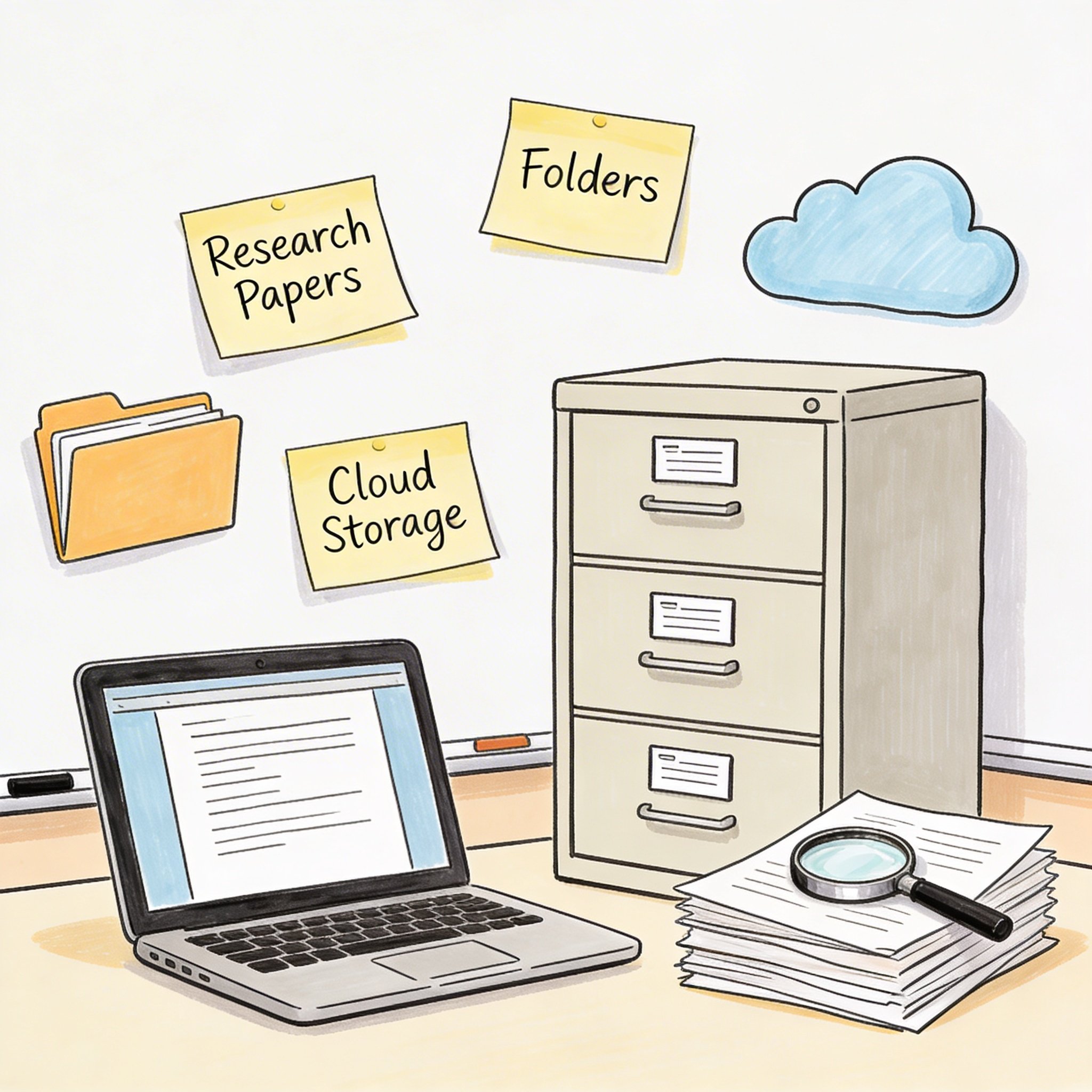
Academic research drowns in papers.
You find a relevant study. Download it. Forget where you saved it. Find it again months later. Realize you already read it but have no notes.
Sound familiar?
This guide shows you how to save and organize research papers—from casual reading to systematic literature reviews.
The Research Paper Problem
Common Struggles
Lost papers: - “I know I read something about this…” - PDF in Downloads folder among 500 other files - Bookmarked but can’t find the bookmark
No context: - Why did I save this? - Is it relevant to my current project? - Did I already read it?
Citation chaos: - Need to cite paper but can’t find it - Wrong citation format - Manually typing references
Duplicate reading: - Reading paper, realize you’ve read it before - No record of your previous thoughts
The Cost
Researchers spend 19% of their time searching for and managing information. For a PhD student, that’s hundreds of hours over 4-5 years.
Building a Research Paper System
Core Components
1. Capture How you save papers when you find them
2. Store Where papers live (local, cloud, tool)
3. Organize How you categorize and tag
4. Annotate Notes, highlights, thoughts
5. Cite Generating references when writing
6. Retrieve Finding papers when you need them
Best Tools for Research Papers
Reference Managers
1. Zotero (Free, Open Source)
Strengths: - Free and unlimited - Browser extension for one-click save - Automatic metadata extraction - Citation generation (all formats) - PDF annotation - Sync across devices
Best for: Students, researchers on budget, open source advocates
Setup: 1. Install Zotero desktop app 2. Add browser connector 3. Create collections by project 4. Save papers with one click
2. Mendeley (Free tier available)
Strengths: - Clean interface - Social features (follow researchers) - Good PDF reader - Microsoft Word integration - Mobile app
Best for: Collaborative research, networking
Limitations: Owned by Elsevier, privacy concerns
3. EndNote (Paid)
Strengths: - Industry standard - Powerful features - Institution support - Integration with databases
Best for: Institutional researchers, heavy users
Limitations: Expensive ($250+), learning curve
4. Paperpile (Paid, $3/month academic)
Strengths: - Google Docs integration - Clean, modern interface - Fast PDF organization - Chrome-first design
Best for: Google Workspace users, modern workflow
Bookmark Managers for Papers
NavHub / Raindrop.io
When you need visual organization alongside papers: - Save paper URLs with previews - Tag by research topic - Create project collections - Share with collaborators
Best for: Preliminary research, mixed web + paper resources
Note-Taking Integration
Notion + Reference Manager
Combine for complete research workflow: - Papers in Zotero/Mendeley - Research notes in Notion - Link papers to project notes
Obsidian + Zotero
For connected knowledge: - Papers in Zotero - Notes in Obsidian with backlinks - Zotero plugin for Obsidian
Organization Systems
By Project
Research/
├── Dissertation/
│   ├── Chapter 1 - Introduction/
│   ├── Chapter 2 - Literature/
│   ├── Chapter 3 - Methods/
│   └── Chapter 4 - Results/
├── Current Projects/
│   ├── Project A/
│   └── Project B/
└── Archive/
    └── Completed Projects/
Best for: Active researchers with defined projects
By Topic
Research/
├── Machine Learning/
│   ├── Neural Networks/
│   ├── NLP/
│   └── Computer Vision/
├── Statistics/
│   ├── Bayesian Methods/
│   └── Regression/
└── Domain/
    ├── Healthcare/
    └── Finance/
Best for: Exploratory research, building knowledge base
By Status
Research/
├── To Read/
├── Reading/
├── Read - Relevant/
├── Read - Not Relevant/
└── Cited in Paper/
Best for: Literature reviews, systematic processing
Hybrid (Recommended)
Research/
├── Active Projects/
│   └── [Project] → papers tagged by topic
├── Reading Queue/
│   ├── High Priority/
│   └── Low Priority/
├── Reference Library/
│   └── [By Topic] → core papers
└── Archive/
Effective Tagging
Tag Categories
Topic tags: - #machine-learning, #nlp, #statistics - Specific to your field
Method tags: - #qualitative, #quantitative, #mixed-methods - #experiment, #survey, #case-study
Status tags: - #to-read, #reading, #read - #cited, #key-paper, #review-paper
Quality tags: - #seminal (foundational papers) - #recent (new research) - #high-impact (highly cited)
Example Tag System
Paper: "Attention Is All You Need"

Tags:
- #nlp (topic)
- #transformers (subtopic)
- #deep-learning (method)
- #seminal (importance)
- #read (status)
- #dissertation-ch2 (project)
Annotation Best Practices
What to Annotate
Highlights: - Key findings - Methodology details - Relevant quotes for citation - Definitions
Notes: - Your interpretation - Questions - Connections to other papers - Potential applications
Structured Notes Template
## Paper: [Title]
**Authors**:
**Year**:
**Source**:

### Summary (2-3 sentences)
...

### Key Findings
1.
2.
3.

### Methodology
- Approach:
- Sample:
- Analysis:

### Relevance to My Work
- Supports/contradicts my argument because...
- Could use method for...

### Quotes to Cite
> "Quote" (p. X)

### Questions/Gaps
-

### Related Papers
- [Paper 1]
- [Paper 2]
Workflow: Finding to Citing
Step 1: Discovery
Where to find papers: - Google Scholar - PubMed (medical) - arXiv (preprints) - Semantic Scholar - Connected Papers (visual exploration) - Reference lists of relevant papers
Pro tip: Set up Google Scholar alerts for key terms
Step 2: Quick Assessment
Before saving, evaluate: 1. Read title and abstract 2. Check publication venue (reputable journal?) 3. Check citations (is it influential?) 4. Skim conclusion
Save if: Potentially relevant to your work
Step 3: Save and Organize
- Click browser extension (Zotero/Mendeley)
- PDF downloads automatically (if accessible)
- Add to project collection
- Add initial tags (#to-read, #project-name)
Step 4: Read and Annotate
- Move to “Reading” collection
- Highlight key points in PDF
- Write structured note (template above)
- Update tags (#read, topic tags)
Step 5: Integrate
- Link to project notes
- Add to literature review section
- Update #relevant or #not-relevant
Step 6: Cite
- Writing paper → insert citation
- Reference manager generates bibliography
- Export in required format
Managing Large Literature Reviews
Systematic Approach
1. Define scope: - Search terms - Databases - Date range - Inclusion/exclusion criteria
2. Search and collect: - Run searches in each database - Export results to reference manager - Remove duplicates
3. Screen: - Title/abstract screening - Full-text screening - Tag: #included, #excluded (+ reason)
4. Extract: - Create extraction template - Systematically pull data from each paper
5. Synthesize: - Group by theme/finding - Identify patterns - Note gaps
PRISMA Tracking
Track your selection process:
Records identified: 500
Duplicates removed: 100
After title screening: 150
After abstract screening: 75
After full-text review: 45
Included in review: 45
Common Mistakes
1. Downloading Without Organizing
Problem: 200 PDFs in Downloads folder Solution: Never download without adding to reference manager
2. No Reading Notes
Problem: Read paper, forgot everything Solution: Always write summary note, even brief
3. Inconsistent Tagging
Problem: #ML, #machine-learning, #MachineLearning Solution: Define tag vocabulary upfront
4. Not Backing Up
Problem: Lost all papers when computer crashed Solution: Cloud sync (Zotero cloud, Google Drive)
5. Hoarding Unread Papers
Problem: 500 papers in “To Read,” never touched Solution: Weekly processing, be selective
Quick Start
Week 1: Setup
- Choose reference manager (Zotero recommended for free)
- Install desktop app + browser extension
- Create initial collections (by project)
- Define your tag system
Week 2: Migrate
- Import existing PDFs
- Let tool extract metadata
- Organize into collections
- Tag key papers
Week 3: Workflow
- Save new papers via browser extension
- Weekly processing: read and annotate
- Connect to writing workflow
Ongoing
- Process reading queue weekly
- Update tags as projects evolve
- Archive completed projects
- Back up regularly
Conclusion
Organized research papers accelerate your academic work.
Key principles:
- Capture immediately: Browser extension, one click
- Organize by project: Primary structure
- Tag consistently: Defined vocabulary
- Annotate always: Never read without notes
- Integrate with writing: Seamless citations
Tool recommendations:
| User Type | Best Tool |
|---|---|
| Free + powerful | Zotero |
| Google-focused | Paperpile |
| Institutional | EndNote |
| Visual exploration | NavHub + Zotero |
| Connected notes | Obsidian + Zotero |
Your literature is your scholarly foundation. Organize it like one.
Need to organize research papers alongside web resources? Try NavHub for visual bookmark organization
How do you organize your research papers? Share your system in the comments!