How to Clean Up and Organize Your Bookmarks (Step-by-Step Guide)
Learn how to clean up years of bookmark clutter. This step-by-step guide helps you organize, declutter, and maintain a useful bookmark collection.
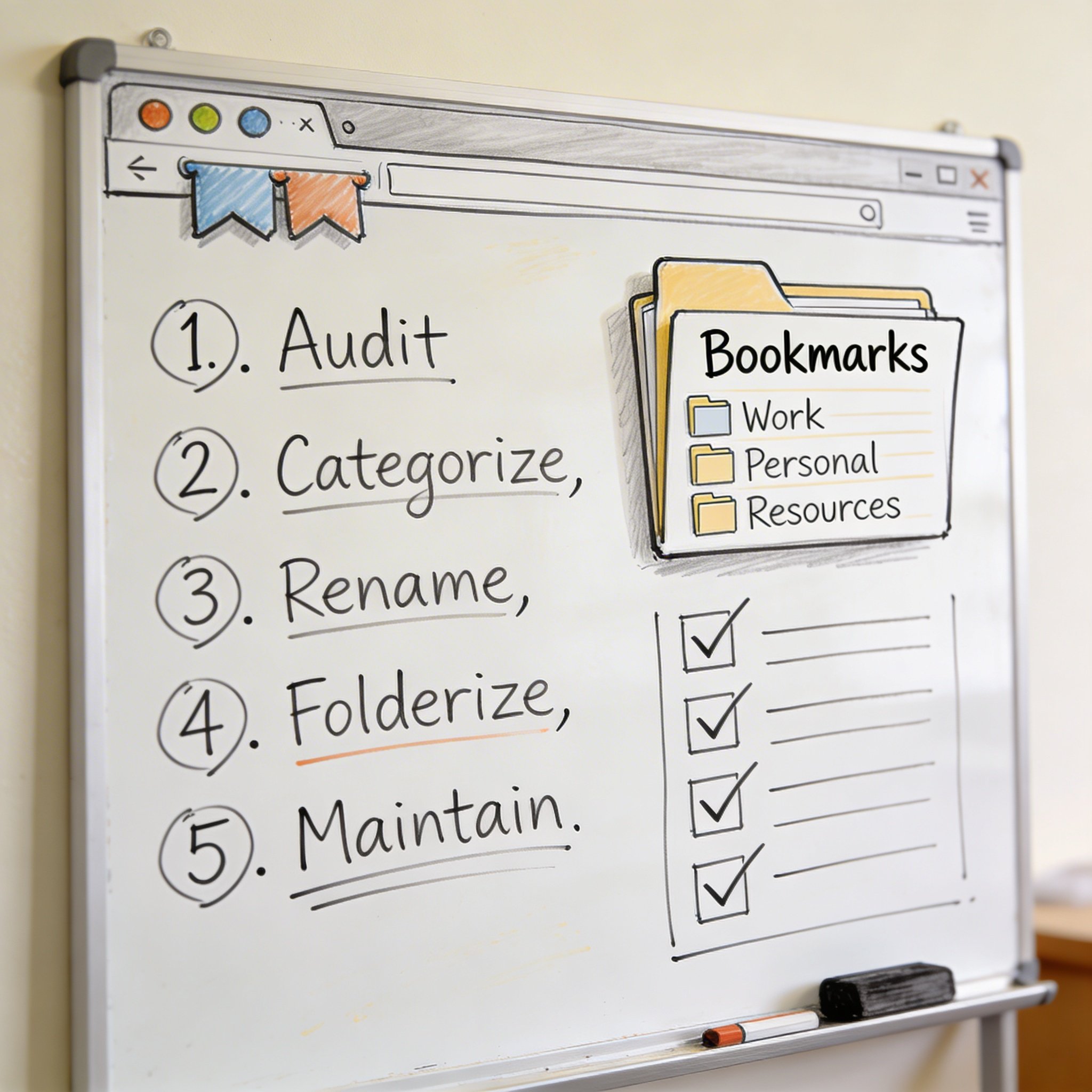
You have 500+ bookmarks. Maybe 1,000+.
Most of them? You don’t remember saving. Half are probably dead links. The rest are buried in folders you forgot existed.
It’s time for a cleanup.
This step-by-step guide shows you how to clean up years of bookmark clutter and create a system that actually works.
Why Clean Up Your Bookmarks?
The Clutter Cost
When bookmarks are messy: - You can’t find what you saved - You save duplicates without knowing - Dead links waste your time - Important resources get buried
The Clean Bookmark Benefits
When bookmarks are organized: - Find anything in seconds - Actually use what you saved - Reduce digital stress - Better productivity
Time Investment
Full cleanup: 2-4 hours (one-time) Maintenance: 15 min/week Return: Hours saved over months
Before You Start
1. Export a Backup
Don’t lose everything while cleaning.
Export your bookmarks now: - Chrome: Bookmark Manager → Export - Firefox: Library → Export as HTML - Safari: File → Export Bookmarks
Save this file somewhere safe.
2. Set Aside Time
Don’t rush. Schedule 2-3 hours when you won’t be interrupted.
Best approach: - Weekend morning - Coffee nearby - Podcast or music playing - No distractions
3. Decide on a Goal
What do you want after cleanup?
Options: - Minimal: Only keep what you use monthly - Curated: Keep valuable resources, organized - Archive: Keep everything, but organized
Pick one before starting.
Step 1: Remove Dead Links
Dead links are the easiest to delete. They serve no purpose.
Manual Method (Free)
- Open each bookmark
- If 404 or broken → Delete
- Repeat (tedious but free)
Automated Method (Recommended)
Chrome Extension: “Bookmark Checker” or similar Firefox Add-on: “Check My Links” or “Bookmarks Organizer”
How it works: 1. Install extension 2. Run scan on all bookmarks 3. Review flagged dead links 4. Delete with one click
Expected result: 10-30% of bookmarks are dead links
Step 2: Remove Duplicates
You’ve saved the same article three times. Delete the extras.
Finding Duplicates
Chrome: Use “Bookmark Deduplicator” extension Firefox: Built into “Bookmarks Organizer” add-on Manual: Search for common domains, check for duplicates
What Counts as Duplicate
- Same exact URL
- Same article, different URL (www vs non-www)
- Same content, multiple saves
Keep the Best Version
If duplicates exist: - Keep the one with better title - Keep the one in correct folder - Delete the rest
Step 3: Delete Outdated Content
Some bookmarks made sense 5 years ago. Not anymore.
Signs a Bookmark Is Outdated
- Technology/tool no longer exists
- Tutorial for old software version
- News article from years ago (unless historically important)
- “Coming soon” pages
- Expired promotions/offers
- Abandoned projects
Quick Decisions
Ask yourself: - “Will I ever need this again?” → No? Delete. - “Is this information still accurate?” → No? Delete. - “Can I find this easily with Google?” → Yes? Delete.
Step 4: Create Your Folder Structure
Now organize what remains.
Simple Structure (Recommended)
Bookmarks Bar/
├── [5-10 daily sites]
│
Other Bookmarks/
├── Work/
│   ├── Documentation
│   ├── Tools
│   └── Reference
├── Learning/
│   ├── Tutorials
│   └── Courses
├── Personal/
│   ├── Shopping
│   ├── Entertainment
│   └── Finance
└── Archive/
    └── (Old but might need)
Rules for Good Structure
- Maximum 2 levels deep - Avoid folder-in-folder-in-folder
- 5-15 items per folder - Split if more, merge if fewer
- Clear names - “React Tutorials” not “Stuff”
- Action-oriented - “To Read” vs “Articles”
Don’t Over-Organize
More folders ≠ better organization.
Too many folders:
Web Development/
├── JavaScript/
│   ├── React/
│   │   ├── Hooks/
│   │   │   ├── useState/
│   │   │   ├── useEffect/
│   │   │   └── useContext/
Better:
Development/
├── React (all React content here)
├── Python
└── DevOps
Step 5: Sort Remaining Bookmarks
Move every bookmark to its proper folder.
The Sorting Process
- Open bookmark manager
- Go through “unsorted” or root bookmarks
- For each bookmark, ask:
- Does this fit an existing folder? → Move
- Does this need a new folder? → Create and move
- Is this still useful? → If no, delete
- Continue until done
Speed Tips
- Don’t read articles while sorting
- Make quick decisions (3 seconds per bookmark)
- Delete aggressively - you can always find it again
- Create “To Review” folder for uncertain items
Step 6: Clean Up Titles
Browser-saved titles are often messy.
Common Title Problems
Before:
"Home - Company Name | Product"
"Article Title | Site Name - Category"
"Untitled Document - Google Docs"
After:
"Company Name - Product"
"Article Title"
"Project Notes Doc"
Quick Title Cleanup
Focus on: - Bookmark bar items (visible daily) - Top-level folder items - Frequently accessed bookmarks
Don’t fix everything—just the visible ones.
Step 7: Set Up Maintenance System
Cleanup is useless without maintenance.
Weekly Habit (15 minutes)
Every week: 1. Review bookmarks added this week 2. Move to correct folders 3. Delete obvious noise 4. Check for dead links (top 10)
Monthly Habit (30 minutes)
Every month: 1. Review one folder completely 2. Delete outdated content 3. Merge/split folders if needed 4. Run dead link checker
Quarterly Habit (1 hour)
Every quarter: 1. Full dead link scan 2. Review folder structure 3. Archive completed projects 4. Backup export
Folder Templates by Use Case
Developer
Bookmarks/
├── Documentation/
│   ├── Languages (MDN, Python docs)
│   ├── Frameworks (React, Django)
│   └── Tools (Git, Docker)
├── Learning/
│   ├── Courses
│   └── Tutorials
├── Tools/
│   ├── Daily (GitHub, CI/CD)
│   └── Occasional (Regex, JSON)
├── Reference/
│   ├── Cheatsheets
│   └── Best Practices
└── Projects/
    └── (Current project resources)
Designer
Bookmarks/
├── Inspiration/
│   ├── UI Examples
│   ├── Portfolios
│   └── Dribbble Saves
├── Resources/
│   ├── Icons
│   ├── Fonts
│   └── Stock Photos
├── Tools/
│   ├── Design (Figma, Canva)
│   └── Prototyping
├── Learning/
│   └── Tutorials
└── Clients/
    └── (Per-client folders)
Researcher
Bookmarks/
├── Literature/
│   ├── Key Papers
│   ├── To Read
│   └── By Topic
├── Methods/
│   ├── Analysis Tools
│   └── Guides
├── Data Sources/
├── Writing/
│   ├── Style Guides
│   └── Templates
└── Projects/
    └── (Per-project)
General User
Bookmarks/
├── Daily/ (in bookmark bar)
├── Work/
│   ├── Tools
│   └── Reference
├── Personal/
│   ├── Finance
│   ├── Shopping
│   └── Entertainment
├── Learning/
└── Archive/
Tools to Help
Dead Link Checkers
- Chrome: Bookmark Sentry, Bookmark Checker
- Firefox: Bookmarks Organizer
- Web-based: deadlinkchecker.com
Duplicate Finders
- Chrome: Bookmark Deduplicator
- Firefox: Bookmarks Organizer (includes this)
Full Bookmark Managers
Consider migrating to a dedicated tool: - NavHub: AI organization, semantic search - Raindrop.io: Visual organization, tags - Pinboard: Simple, fast, reliable
These handle cleanup automatically and prevent future clutter.
The Nuclear Option
Sometimes it’s easier to start fresh.
When to Consider
- More than 90% of bookmarks are junk
- Folder structure is hopelessly nested
- You never use your bookmarks anyway
How to Start Fresh
- Export current bookmarks (archive)
- Delete all bookmarks
- Create new simple structure
- Add bookmarks only as you need them
- After 3 months, decide if you need anything from archive
The Fresh Start Benefit
- Only keep what you actually use
- Force yourself to build good habits
- Zero clutter from day one
Maintaining Clean Bookmarks
The 2-Minute Rule
When saving a bookmark: - Take 2 seconds to choose the right folder - Take 2 seconds to clean up the title - Total: 4 seconds vs hours of cleanup later
The “Will I Use This?” Test
Before saving, ask: - Will I reference this in the next month? - Can I find this easily on Google? - Is this better than what I already have?
If no to all, don’t save it.
Regular Reviews
Build the habit: - Friday afternoon: 10-minute bookmark review - Monthly: 30-minute deep clean - Quarterly: Full audit and backup
Quick Cleanup Checklist
Use this for a fast cleanup session:
- [ ] Export backup first
- [ ] Run dead link checker
- [ ] Delete all dead links
- [ ] Run duplicate finder
- [ ] Delete all duplicates
- [ ] Create simple folder structure (max 10 folders)
- [ ] Move all “Unsorted” bookmarks
- [ ] Delete anything older than 2 years (unless essential)
- [ ] Clean up bookmark bar titles
- [ ] Set weekly reminder for maintenance
Conclusion
Bookmark cleanup isn’t glamorous, but it’s necessary.
The investment: - 2-4 hours one-time cleanup - 15 minutes weekly maintenance
The return: - Find any bookmark in seconds - Stop saving duplicates - Reduce digital stress - Actually use what you save
Start today: 1. Export a backup (5 minutes) 2. Run dead link checker (10 minutes) 3. Delete dead links (10 minutes) 4. Create folder structure (15 minutes) 5. Schedule weekly maintenance
Your future self will thank you.
Want automatic organization? Try NavHub with AI-powered bookmark management
How many bookmarks do you have? Share your cleanup story in the comments!