Bookmark Manager Privacy and Security Guide (2026)
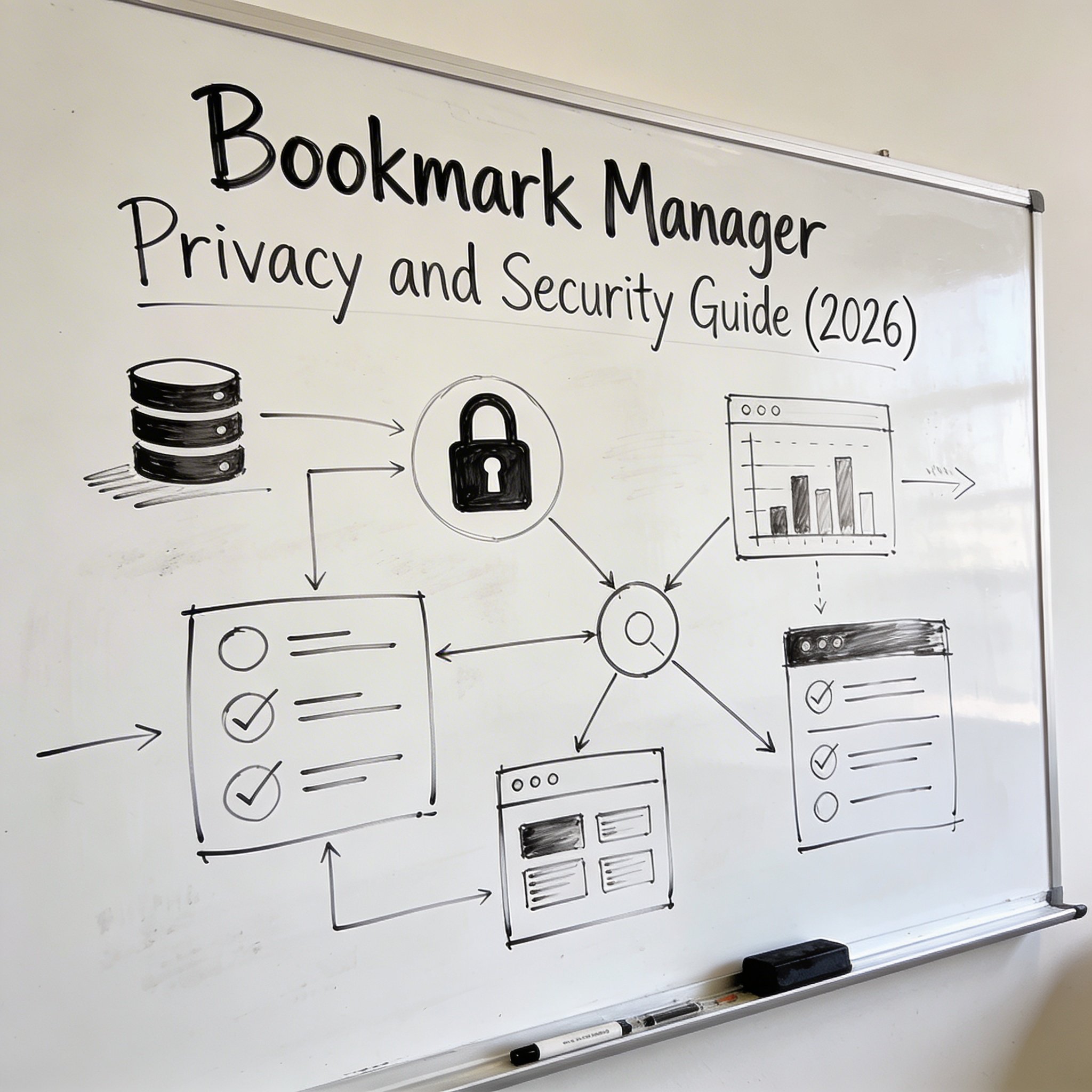
Your bookmarks reveal a lot about you.
Work projects. Health searches. Financial sites. Personal interests. In the wrong hands, your bookmark collection is a detailed profile of your life.
This guide covers how to keep your bookmarks private and secure.
Privacy Concerns
What Bookmarks Reveal
- Work: Projects, clients, tools you use
- Health: Medical conditions you research
- Finance: Banks, investments, shopping habits
- Personal: Interests, beliefs, relationships
Who Can Access
- Browser sync: Google, Mozilla, Apple, Microsoft
- Third-party tools: Raindrop, Pocket, NavHub
- Extensions: Any with bookmark permissions
- Shared computers: Other users
- Backups: Unencrypted exports
Secure Practices
Browser Level
Use private/incognito for sensitive searches (no bookmarks saved)
Review sync settings: - Chrome: Settings → Sync → Choose what to sync - Firefox: Settings → Sync → Choose what to sync - Consider disabling bookmark sync if privacy is priority
Separate profiles: - Work profile: professional bookmarks - Personal profile: private bookmarks - No cross-contamination
Tool Selection
Privacy-focused options:
| Tool | Data Location | Encryption | Privacy Rating |
|---|---|---|---|
| Browser only | Local | Varies | ★★★★★ |
| Firefox Sync | Mozilla servers | End-to-end | ★★★★☆ |
| Raindrop.io | Cloud | In transit | ★★★☆☆ |
| NavHub | Cloud | In transit | ★★★☆☆ |
| Self-hosted | Your server | You control | ★★★★★ |
Self-hosted options: - Linkding - Shaarli - Wallabag
Security Practices
Strong passwords: Unique password for each service 2FA: Enable on all bookmark services Regular audits: Review what services have access Export and delete: If leaving a service
Sensitive Bookmark Handling
Don’t Bookmark
- Login pages (use password manager)
- Temporary sensitive research
- Anything you’d be uncomfortable others seeing
If You Must
- Use separate profile
- Local-only storage
- Encrypted notes app instead
- Delete after use
Conclusion
Think before you bookmark. Use appropriate tools for your privacy needs.
Want organized bookmarks with security in mind? Try NavHub