Bookmark Manager vs Note-Taking Apps: Which Should You Use? (2026)
Should you save links in a bookmark manager or note-taking app? Compare the pros and cons of each approach for organizing web resources.
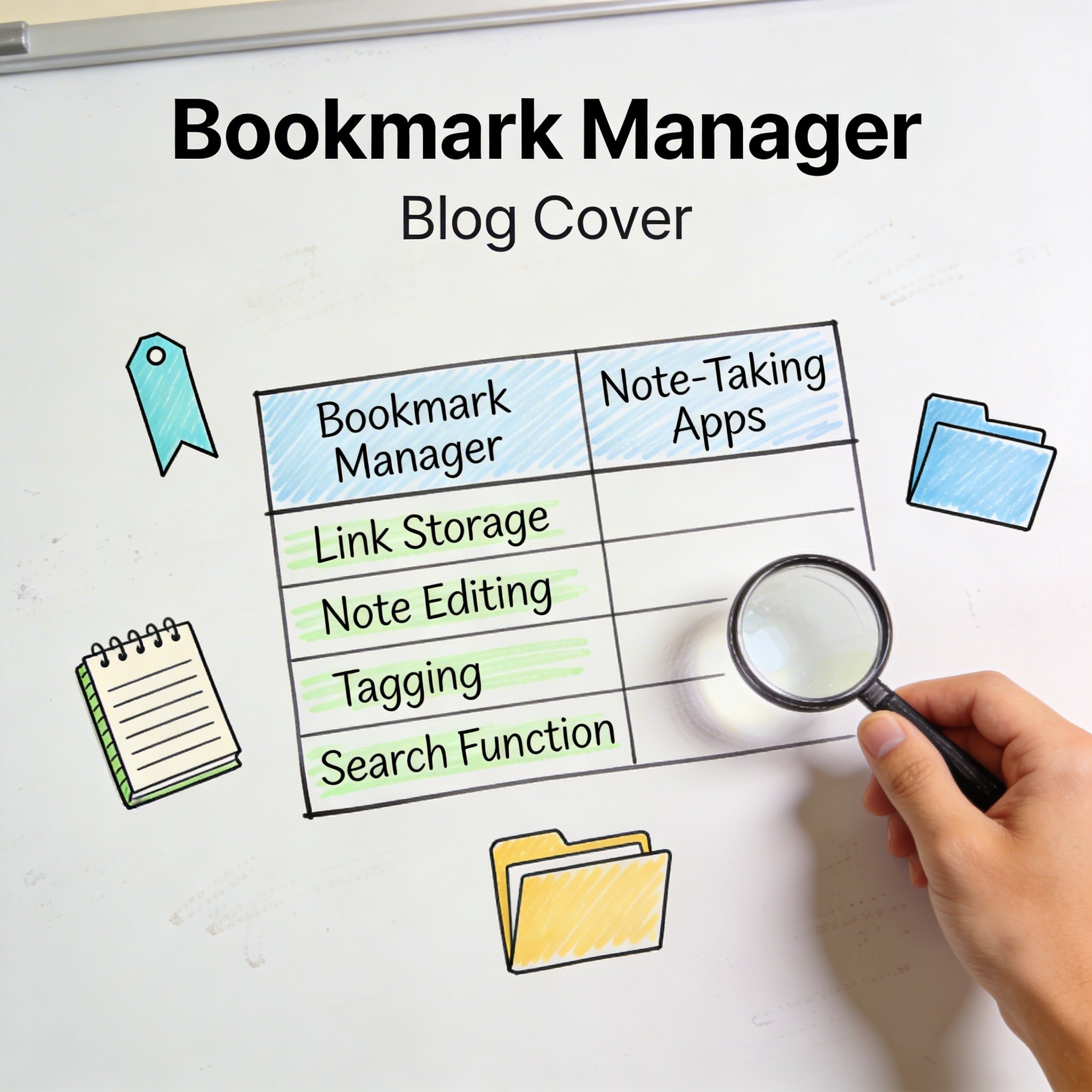
You find a useful article online. Where do you save it?
Option A: Bookmark manager (Raindrop, NavHub, browser bookmarks) Option B: Note-taking app (Notion, Obsidian, Evernote)
Many people struggle with this choice. Some save links in notes. Others take notes in bookmark managers. The result? Information scattered across multiple tools.
This guide helps you decide which tool to use for what—and how to integrate them effectively.
The Core Difference
Bookmark Managers
Purpose: Store and organize URLs for quick access
Strengths: - Fast link saving (one click) - Visual previews and thumbnails - Built for URL organization - Browser integration
Data type: URLs, titles, tags, sometimes snippets
Access pattern: Browse, search, click to visit
Note-Taking Apps
Purpose: Capture and organize your own thoughts and content
Strengths: - Rich text editing - Content creation and writing - Linking concepts together - Long-form organization
Data type: Text, images, embeds, your own writing
Access pattern: Read, write, connect ideas
When to Use a Bookmark Manager
Best For:
1. Quick reference links Sites you visit regularly but don’t need to read/process: - Documentation - Tools you use - Dashboards - Frequently visited sites
2. Collections for browsing Links you want to browse visually: - Design inspiration - Product comparisons - Research sources - Competitor websites
3. Read-later queues Articles you’ll read then probably forget: - Industry news - Tutorial content - Interesting finds
4. Sharing resources Links you share with others: - Team resources - Client deliverables - Public collections
Real Examples:
Developer: - Stack Overflow answers (solved specific problem) - API documentation - GitHub repos to reference - Dev tools and utilities
Designer: - Dribbble/Behance inspiration - Design system examples - Tool links - Client brand guidelines
Researcher: - Source articles and papers - Data sources - Methodology references - Literature to review
When to Use Note-Taking Apps
Best For:
1. Processed information When you’ve extracted insights: - Meeting notes with relevant links - Research summaries - Processed articles with your takeaways
2. Your own content When you’re creating, not just saving: - Blog post drafts - Project plans - Personal knowledge base - Connected thoughts
3. Context-rich saving When the link needs explanation: - “Found this approach for X problem” - Notes about why something is relevant - Integration with larger projects
4. Knowledge building When links are part of a bigger picture: - Research projects - Learning paths - Interconnected notes (Zettelkasten)
Real Examples:
Project notes:
## Project Alpha Research

### Market Analysis
Found useful data on market size:
- [Market Report 2026](url) — Key insight: 40% growth
- My analysis: This suggests we should focus on X

### Competitor Findings
Competitor A's approach:
- [Their pricing page](url)
- Notes: They bundle features, we should consider...
Learning notes:
## Learning React

### Hooks
State management with hooks:
- [Official docs](url) — Read this first
- [Tutorial](url) — Good practical examples
- My understanding: Hooks replace class components by...
Comparison Table
| Factor | Bookmark Manager | Note-Taking App |
|---|---|---|
| Save speed | ⚡ Very fast (1-click) | 🐢 Slower (copy, paste, organize) |
| Organization | Tags, folders, collections | Pages, databases, links |
| Visual browsing | ✅ Thumbnails, cards | ❌ Usually text-based |
| Add your thoughts | ❌ Limited | ✅ Full editing |
| Connect ideas | ❌ Limited | ✅ Bi-directional linking |
| Browser integration | ✅ Excellent | ⚠️ Varies |
| Share externally | ✅ Easy | ⚠️ Depends on tool |
| Full-text search | Some tools | Most tools |
| Best for | Reference, collections | Knowledge, projects |
The Hybrid Approach
Most productive people use both. Here’s how to decide:
Decision Framework
Use bookmark manager when: - You just need the link for later - You’re collecting many links quickly - You want visual browsing - You’ll visit the actual page when needed
Use notes when: - You’re processing/summarizing content - You need to add context or thoughts - The link is part of a larger project - You want to connect to other notes
Integration Strategies
Strategy 1: Inbox → Notes 1. Save everything to bookmark manager first 2. Process weekly: move important links to notes with context 3. Keep reference links in bookmark manager
Strategy 2: Type-Based Split - Reference links → Bookmark manager - Project/research links → Notes - Decide at save time
Strategy 3: All Links in Notes - Use Notion/Obsidian for everything - Create link databases - Accept slower save process
Strategy 4: All Links in Bookmark Manager - Keep notes for long-form content only - Use bookmark notes feature for context - Accept limited note-taking capabilities
Tool Recommendations
If You Prefer Bookmark Manager as Primary
Best tools: - NavHub: Visual organization, AI categorization, light notes - Raindrop.io: Beautiful collections, highlights, annotations - Pocket: Reading-focused, highlights, offline
Workflow: 1. Save links quickly to bookmark manager 2. Use tags/collections for organization 3. Add notes/highlights when needed 4. Export insights to note app if processing
If You Prefer Notes as Primary
Best tools: - Notion: Databases for links, full note-taking - Obsidian: Bi-directional linking, local storage - Roam Research: Connected thoughts, block references
Workflow: 1. Create link database in note app 2. Save links with context directly to notes 3. Connect links to relevant projects/notes 4. Use web clipper if available
If You Want Both Integrated
Best combinations:
| Bookmark Manager | Note App | Integration |
|---|---|---|
| NavHub | Notion | Export highlights, embed links |
| Raindrop | Obsidian | Raindrop plugin for Obsidian |
| Notion | Zapier automation | |
| Pinboard | Obsidian | Various plugins |
Common Mistakes
1. Saving Links in Notes Without Processing
Problem: Notion page full of URLs with no context Why it fails: No better than bookmarks, harder to browse Solution: Only put links in notes when adding your thoughts
2. Over-Processing Everything
Problem: Writing notes on every saved link Why it fails: Not everything deserves deep processing Solution: Quick links → bookmark manager, important → notes
3. Duplicating Across Tools
Problem: Same link saved in 3 different places Why it fails: Confusing, hard to maintain Solution: Choose one system, have clear rules
4. No Regular Review
Problem: Links pile up in both tools, never accessed Why it fails: Saving without using is hoarding Solution: Weekly review, archive or delete unused
5. Wrong Tool for Job
Problem: Using Notion for 500 quick reference links Why it fails: Slow to save, hard to browse Solution: Use appropriate tool for link type
Specific Use Cases
Research Project
Bookmark manager: Collect sources quickly during research Notes: Create research note with key sources and your analysis
[Bookmark Manager]
Collection: "Project X Research"
- 50 source links with tags

[Notes]
## Project X Research Summary
Key findings from sources:
1. [Link 1] - Main insight: ...
2. [Link 2] - Relevant for: ...
My synthesis: ...
Learning New Skill
Bookmark manager: Tutorial links, documentation, tools Notes: Learning log, summaries, practice notes
[Bookmark Manager]
Collection: "Learning Python"
- Official docs
- YouTube tutorials
- Practice sites

[Notes]
## Python Learning Log
Week 1: Data structures
- Learned from [tutorial link]
- Key concepts: ...
- Practice notes: ...
Work Resources
Bookmark manager: Team tools, documentation, dashboards Notes: Project plans, meeting notes with relevant links
[Bookmark Manager]
Workspace: "Company Tools"
- Slack, Jira, GitHub, etc.

[Notes]
## Project Meeting 2026-01-02
Discussed: Feature X implementation
Resources mentioned: [tool link], [doc link]
Action items: ...
Making Your Decision
Choose Bookmark Manager If:
- You save 10+ links per day
- You need visual browsing
- You want fast, one-click saving
- You share resources with others
- You rarely need to add extensive notes
Choose Notes If:
- You process/summarize most content
- You’re building a knowledge base
- You need to connect ideas
- Links are always part of projects
- You write extensively about what you find
Choose Both If:
- You do research that requires both quick capture and processing
- You have different types of content (reference vs. knowledge)
- You want best-in-class tools for each purpose
Conclusion
The answer isn’t “which is better”—it’s “which for what.”
Key principles:
- Match tool to purpose: Quick reference → bookmarks, processed knowledge → notes
- Don’t duplicate: Choose one home for each link
- Process selectively: Not everything needs notes
- Review regularly: Unused saves are clutter
- Integrate thoughtfully: Connect tools with clear workflows
Simple rule: If you’re just saving, use a bookmark manager. If you’re thinking, use notes.
Recommendations:
| Your Style | Primary Tool | Secondary Tool |
|---|---|---|
| Collector | NavHub/Raindrop | Notion for projects |
| Processor | Notion/Obsidian | NavHub for quick saves |
| Minimalist | Browser bookmarks | Apple Notes |
| Power user | NavHub + Obsidian | Full integration |
Choose the system that fits how you naturally work, not the one with the most features.
Want visual bookmark management that integrates with your notes? Try NavHub with AI organization and export capabilities
How do you decide between bookmarks and notes? Share your system in the comments!