Bookmark Manager API: Automating Your Links (2026)
Learn how to automate bookmark management with APIs. Save links automatically, build custom integrations, and create powerful workflows.
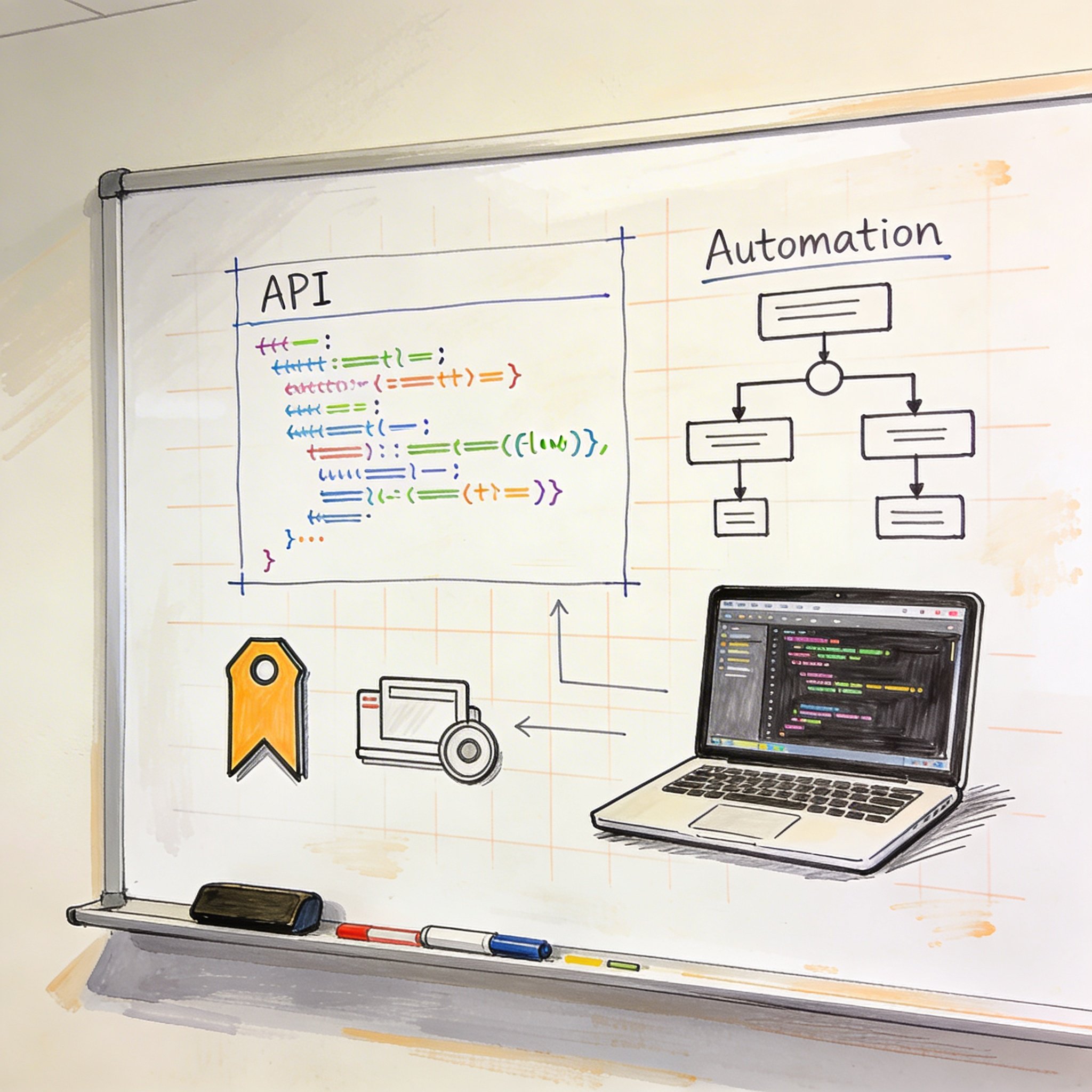
Manual bookmark saving is tedious.
You read an article, click save, choose a folder, add tags… for every single link. All day, every day.
What if bookmarks saved themselves? What if links from specific sources auto-categorized? What if your tools talked to each other?
That’s what bookmark APIs enable. This guide shows you how to automate bookmark management—from simple Zapier workflows to custom code integrations.
Why Automate Bookmarks?
Time Savings
Manual process: 1. Find interesting link 2. Open bookmark tool 3. Paste URL 4. Choose folder 5. Add tags 6. Save
Time: 15-30 seconds per link × 20 links/day = 5-10 minutes/day = 30-60 hours/year
Automated process: 1. Star in RSS reader → automatically saved and tagged 2. Like tweet with link → saved to research folder 3. Save to Pocket → synced to main bookmark manager
Time: 0 seconds manual work.
Consistency
Manual tagging is inconsistent: - Sometimes you tag, sometimes you don’t - Tags vary (#webdev vs #web-dev vs #web_dev) - Folders depend on your mood
Automation ensures: - Every link from source X gets tagged Y - Consistent naming conventions - No links fall through cracks
Cross-Tool Sync
You use multiple tools: - RSS reader for news - Pocket for articles - Pinterest for design - Notion for work - Browser for quick saves
Without automation: Islands of bookmarks. With automation: Single source of truth.
Bookmark Manager APIs Overview
Which Tools Have APIs?
| Tool | API Available | Authentication | Rate Limits |
|---|---|---|---|
| Raindrop.io | ✅ Full API | OAuth 2.0 | 120 req/min |
| ✅ Full API | OAuth | 320 req/min | |
| Pinboard | ✅ Full API | Token | 3 req/sec |
| NavHub | ✅ REST API | API Key | 60 req/min |
| Notion | ✅ Full API | OAuth/Token | 3 req/sec |
| Browser | ❌ (Extensions) | - | - |
Common API Operations
Create bookmark:
POST /bookmarks
{
  "url": "https://example.com/article",
  "title": "Great Article",
  "tags": ["tech", "tutorial"],
  "folder": "Development"
}
Search bookmarks:
GET /bookmarks?search=javascript&tags=tutorial
Update bookmark:
PUT /bookmarks/{id}
{
  "tags": ["tech", "tutorial", "javascript"]
}
Delete bookmark:
DELETE /bookmarks/{id}
No-Code Automation (Zapier/Make)
Why No-Code?
- No programming required
- Visual workflow builder
- Pre-built integrations
- Quick to set up
Popular Workflows
1. RSS to Bookmarks
Trigger: New item in RSS feed Action: Create bookmark in Raindrop/NavHub
Use case: Auto-save articles from blogs you follow
Setup (Zapier): 1. Connect RSS feed 2. Set filters (optional: keywords, author) 3. Connect bookmark tool 4. Map fields (URL, title, tags)
2. Email to Bookmarks
Trigger: Email received with specific label/subject Action: Extract URLs and save
Use case: Forward newsletters, save all links automatically
Setup: 1. Create email filter rule 2. Connect email to Zapier 3. Parse email for URLs 4. Save each URL to bookmark tool
3. Pocket → Main Bookmark Manager
Trigger: New item saved in Pocket Action: Save to Raindrop/NavHub
Use case: Sync mobile saves to main library
Setup: 1. Connect Pocket 2. Connect primary bookmark tool 3. Optionally transform (add tags based on Pocket tags)
4. Twitter Likes → Research Folder
Trigger: Tweet liked (with link) Action: Save link to research folder
Use case: Capture interesting links from Twitter
Setup: 1. Connect Twitter 2. Filter: only tweets with URLs 3. Extract URL from tweet 4. Save to bookmark tool with #twitter tag
5. Slack Links → Team Bookmarks
Trigger: Message in Slack channel containing URL Action: Save to team bookmark folder
Use case: Automatically capture links shared in team channels
Setup: 1. Connect Slack 2. Filter for messages with URLs 3. Extract URL 4. Save to team folder with channel name as tag
Code-Based Automation
When to Use Code
- Need custom logic
- Higher volume automation
- Complex transformations
- Self-hosted solutions
Example: Node.js Bookmark Automation
// bookmark-automation.js
const axios = require('axios');

const NAVHUB_API_KEY = process.env.NAVHUB_API_KEY;
const NAVHUB_BASE_URL = 'https://api.navhub.info/v1';

// Save a bookmark
async function saveBookmark(url, title, tags, folder) {
  try {
    const response = await axios.post(
      `${NAVHUB_BASE_URL}/bookmarks`,
      {
        url,
        title,
        tags,
        collection: folder
      },
      {
        headers: {
          'Authorization': `Bearer ${NAVHUB_API_KEY}`,
          'Content-Type': 'application/json'
        }
      }
    );
    return response.data;
  } catch (error) {
    console.error('Error saving bookmark:', error.message);
    throw error;
  }
}

// Auto-categorize based on URL
function categorizeUrl(url) {
  const domain = new URL(url).hostname;

  const rules = {
    'github.com': { folder: 'Development', tags: ['github', 'code'] },
    'medium.com': { folder: 'Articles', tags: ['article', 'medium'] },
    'stackoverflow.com': { folder: 'Reference', tags: ['stackoverflow', 'code'] },
    'youtube.com': { folder: 'Videos', tags: ['video', 'youtube'] },
    'twitter.com': { folder: 'Social', tags: ['twitter'] },
  };

  for (const [pattern, category] of Object.entries(rules)) {
    if (domain.includes(pattern)) {
      return category;
    }
  }

  return { folder: 'Inbox', tags: ['uncategorized'] };
}

// Main function
async function processLink(url, title) {
  const category = categorizeUrl(url);

  await saveBookmark(
    url,
    title,
    category.tags,
    category.folder
  );

  console.log(`Saved: ${title} to ${category.folder}`);
}

// Usage
processLink(
  'https://github.com/user/repo',
  'Amazing Open Source Project'
);
Example: Python Automation
# bookmark_automation.py
import os
import requests
from urllib.parse import urlparse

NAVHUB_API_KEY = os.environ.get('NAVHUB_API_KEY')
NAVHUB_BASE_URL = 'https://api.navhub.info/v1'

def save_bookmark(url, title, tags=None, folder='Inbox'):
    """Save a bookmark to NavHub"""
    headers = {
        'Authorization': f'Bearer {NAVHUB_API_KEY}',
        'Content-Type': 'application/json'
    }

    data = {
        'url': url,
        'title': title,
        'tags': tags or [],
        'collection': folder
    }

    response = requests.post(
        f'{NAVHUB_BASE_URL}/bookmarks',
        json=data,
        headers=headers
    )

    response.raise_for_status()
    return response.json()

def categorize_url(url):
    """Auto-categorize based on domain"""
    domain = urlparse(url).netloc

    rules = {
        'github.com': ('Development', ['github', 'code']),
        'stackoverflow.com': ('Reference', ['stackoverflow', 'qa']),
        'medium.com': ('Articles', ['medium', 'blog']),
        'dev.to': ('Articles', ['dev-to', 'blog']),
        'youtube.com': ('Videos', ['youtube', 'video']),
    }

    for pattern, (folder, tags) in rules.items():
        if pattern in domain:
            return folder, tags

    return 'Inbox', ['uncategorized']

def process_link(url, title):
    """Process and save a link"""
    folder, tags = categorize_url(url)

    result = save_bookmark(url, title, tags, folder)
    print(f"Saved: {title} to {folder}")
    return result

# Usage
if __name__ == '__main__':
    process_link(
        'https://dev.to/user/great-article',
        'Great Dev.to Article'
    )
Example: Cron Job for Daily Processing
#!/bin/bash
# process-links.sh - Run daily to process queued links

# Read links from queue file
while IFS='|' read -r url title; do
    curl -X POST "https://api.navhub.info/v1/bookmarks" \
        -H "Authorization: Bearer $NAVHUB_API_KEY" \
        -H "Content-Type: application/json" \
        -d "{
            \"url\": \"$url\",
            \"title\": \"$title\",
            \"tags\": [\"auto-imported\"]
        }"
    echo "Saved: $title"
done < ~/queue/links.txt

# Clear queue
> ~/queue/links.txt
Advanced Automation Ideas
1. AI-Powered Auto-Tagging
Use AI to analyze page content and generate tags:
import openai

def generate_tags(url, title, content):
    prompt = f"""
    Analyze this webpage and suggest 3-5 relevant tags:
    Title: {title}
    Content preview: {content[:500]}

    Return tags as comma-separated values.
    """

    response = openai.ChatCompletion.create(
        model="gpt-3.5-turbo",
        messages=[{"role": "user", "content": prompt}]
    )

    tags = response.choices[0].message.content.split(',')
    return [tag.strip().lower() for tag in tags]
2. Dead Link Detection
Automatically check and flag dead links:
def check_bookmark_health(bookmarks):
    dead_links = []

    for bookmark in bookmarks:
        try:
            response = requests.head(bookmark['url'], timeout=10)
            if response.status_code >= 400:
                dead_links.append(bookmark)
        except requests.RequestException:
            dead_links.append(bookmark)

    return dead_links
3. Duplicate Detection
Find and merge duplicate bookmarks:
from urllib.parse import urlparse, parse_qs

def normalize_url(url):
    """Normalize URL for comparison"""
    parsed = urlparse(url)
    # Remove tracking parameters
    params = parse_qs(parsed.query)
    clean_params = {k: v for k, v in params.items()
                    if k not in ['utm_source', 'utm_medium', 'ref']}
    return f"{parsed.netloc}{parsed.path}"

def find_duplicates(bookmarks):
    seen = {}
    duplicates = []

    for bookmark in bookmarks:
        normalized = normalize_url(bookmark['url'])
        if normalized in seen:
            duplicates.append((seen[normalized], bookmark))
        else:
            seen[normalized] = bookmark

    return duplicates
4. Browser Extension Integration
Sync browser bookmarks to cloud manager:
// Chrome extension background.js
chrome.bookmarks.onCreated.addListener(async (id, bookmark) => {
  if (bookmark.url) {
    await fetch('https://api.navhub.info/v1/bookmarks', {
      method: 'POST',
      headers: {
        'Authorization': `Bearer ${API_KEY}`,
        'Content-Type': 'application/json'
      },
      body: JSON.stringify({
        url: bookmark.url,
        title: bookmark.title,
        tags: ['browser-sync']
      })
    });
  }
});
Choosing the Right Approach
Decision Matrix
| Scenario | Recommended Approach |
|---|---|
| Simple automation (RSS → bookmarks) | Zapier/Make |
| Multi-step workflows | Zapier/Make |
| High volume (100+ links/day) | Custom code |
| Complex logic (AI tagging) | Custom code |
| Team automation | Custom code + webhook |
| One-time migration | Custom script |
Getting Started
Week 1: Zapier basics 1. Connect your most-used tools 2. Set up 1-2 simple automations 3. Monitor and adjust
Week 2: Expand workflows 1. Add more triggers 2. Implement filtering 3. Test edge cases
Week 3: Code automation (optional) 1. Set up API authentication 2. Build custom automation script 3. Schedule with cron or cloud function
Best Practices
1. Start Small
Don’t automate everything at once. Start with one workflow: - RSS feeds you always save from - Pocket sync to main tool - Team Slack links
2. Add Filters
Not every link needs saving. Filter by: - Keywords in title - Specific domains - Author/source
3. Monitor Automations
Check weekly: - Are links saving correctly? - Are tags appropriate? - Any errors or duplicates?
4. Handle Failures
Automation fails sometimes: - Implement retry logic - Log errors for review - Have fallback (manual) process
5. Respect Rate Limits
APIs have rate limits. Code accordingly: - Add delays between requests - Batch operations when possible - Cache responses
Conclusion
Bookmark automation eliminates repetitive work and ensures consistency.
Key takeaways:
- Choose right tool: Zapier for simple, code for complex
- Start simple: One workflow at a time
- Add intelligence: Auto-categorize based on rules
- Monitor regularly: Automation needs oversight
- Scale gradually: Expand as needs grow
Recommended first automations:
| Use Case | Tool | Complexity |
|---|---|---|
| RSS to bookmarks | Zapier | Easy |
| Pocket sync | Zapier | Easy |
| Team Slack capture | Zapier | Medium |
| AI auto-tagging | Custom code | Hard |
| Browser sync | Custom extension | Hard |
Your time is valuable. Automate the tedious parts of bookmark management.
Want API access for bookmark automation? Try NavHub with full REST API and Zapier integration
What bookmark workflows do you automate? Share your setup in the comments!